One platform for every step of the compliance audit
From frameworks to final reports — twelve core capabilities that let consultants, audited teams and auditors work in the same place.
01
Frameworks and libraries
Turn regulations into reusable work templates
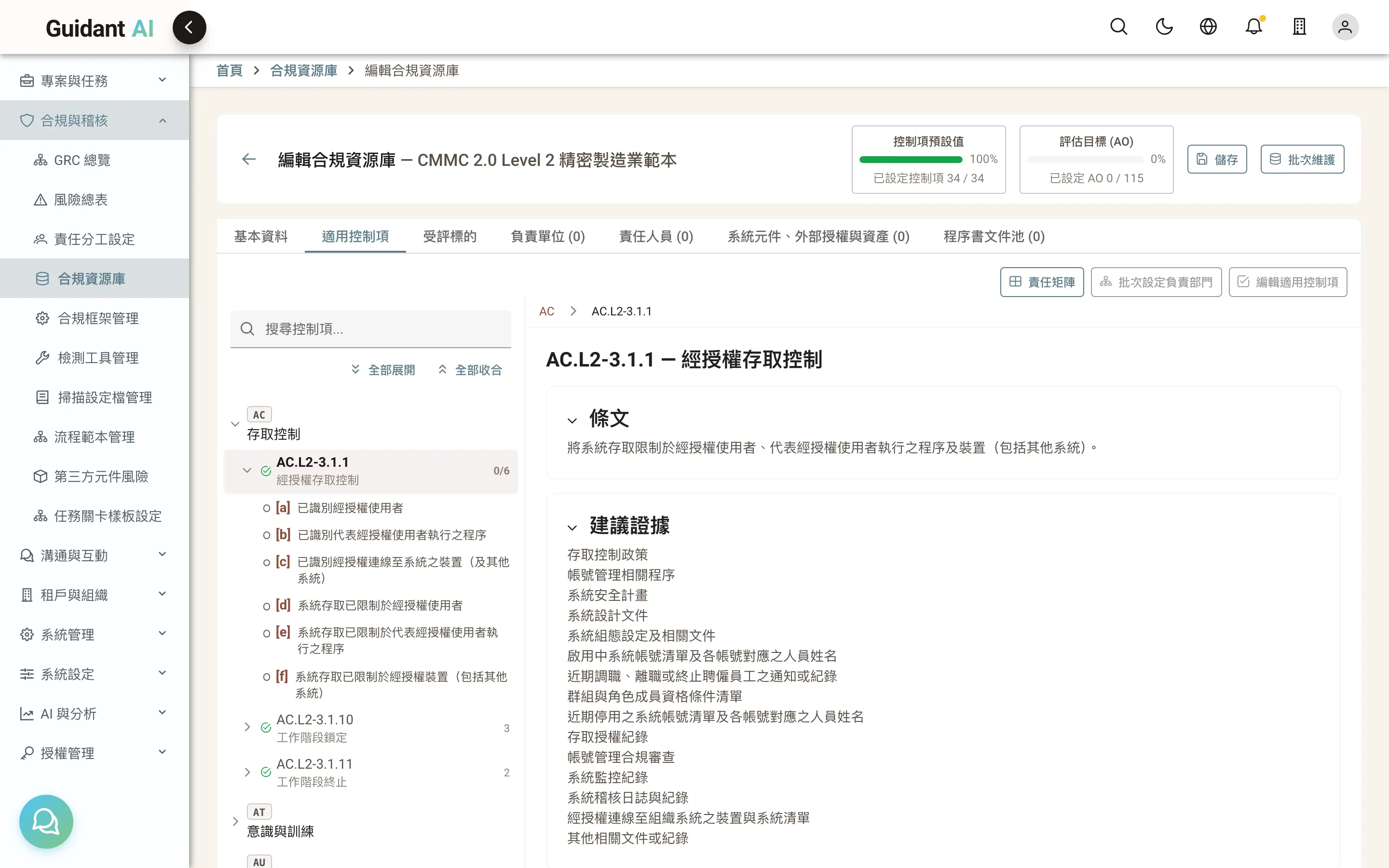
Regulations are long. What teams actually need is "what do we check for this requirement, and what evidence proves it." Guidant AI ships with major frameworks and lets consultants package their expertise into libraries the next client can reuse.
- Built-in frameworks: CMMC 2.0, ISO/IEC 27001:2022, EU CRA; import new framework versions by parsing the official PDF
- Libraries: control selections, system security plan templates, audit workflow templates and form settings — build once, reuse across projects
- Assessment objectives: each control is broken into concrete, checkable objectives with suggested evidence and audit guidance
02
Projects and the audit lifecycle
One project per framework, managed cycle after cycle
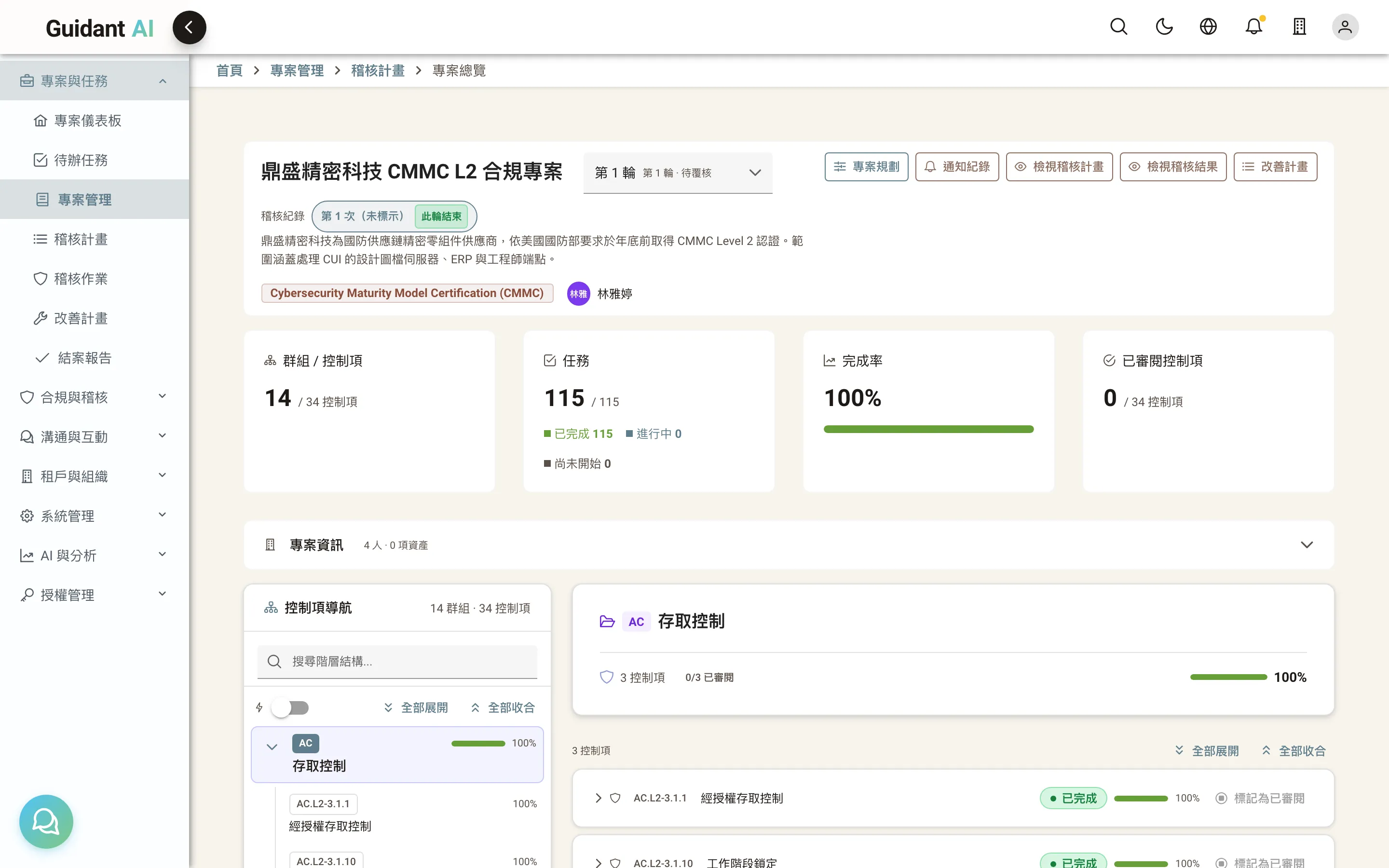
A project doesn't close when an audit ends. Each cycle moves through planning, internal audit, external audit, remediation and closing. Items that fail go into a re-verification cycle, and next year's cycle picks up where this one left off.
- Stage navigation: see at a glance where you are and what comes next
- Internal and external audit in one cycle: audit internally, fix, then go to the external audit
- Re-verification cycles: failed items are automatically re-scoped and re-checked, with full history preserved
03
System security plan (SSP)
Explain, control by control, how you do it today
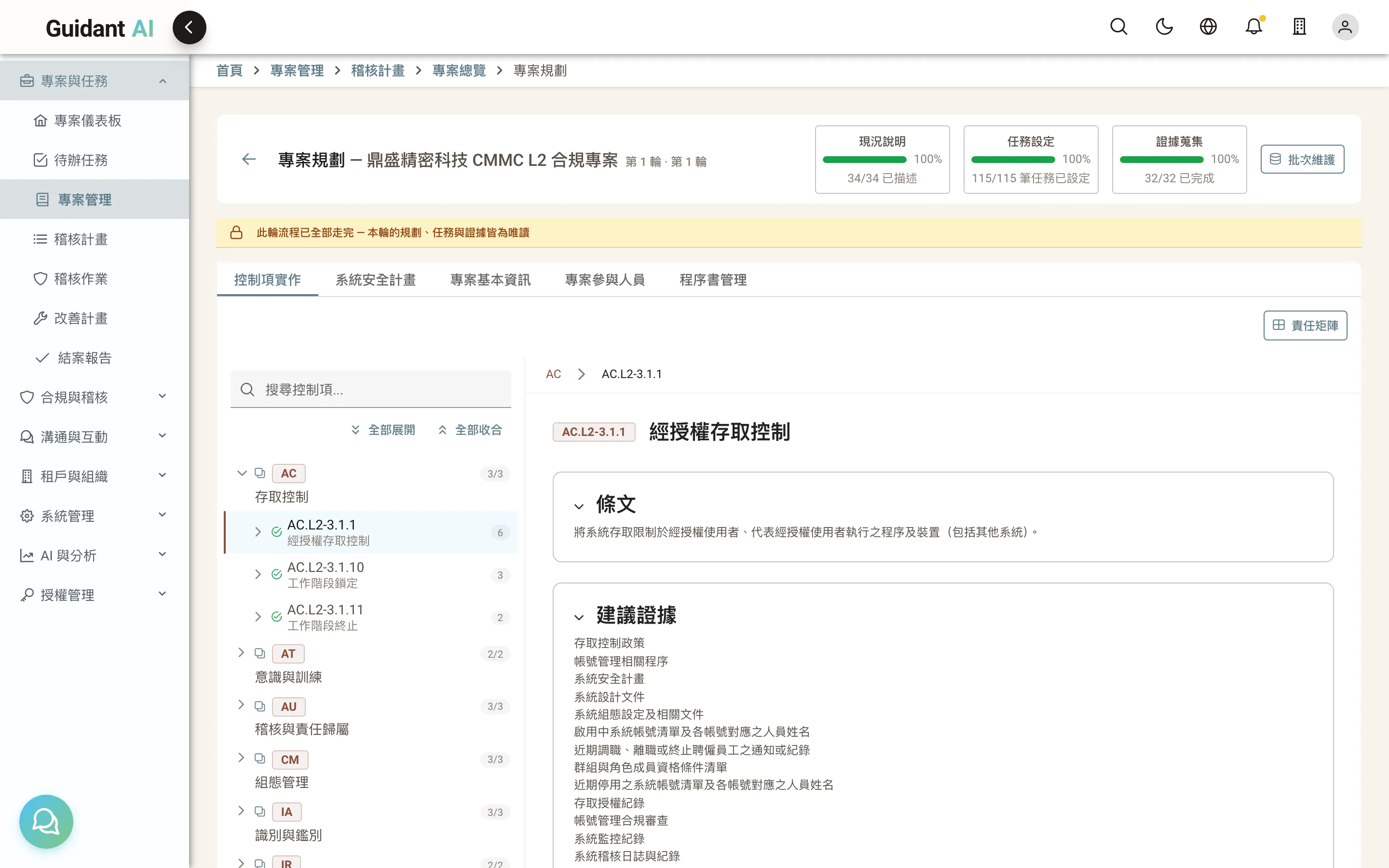
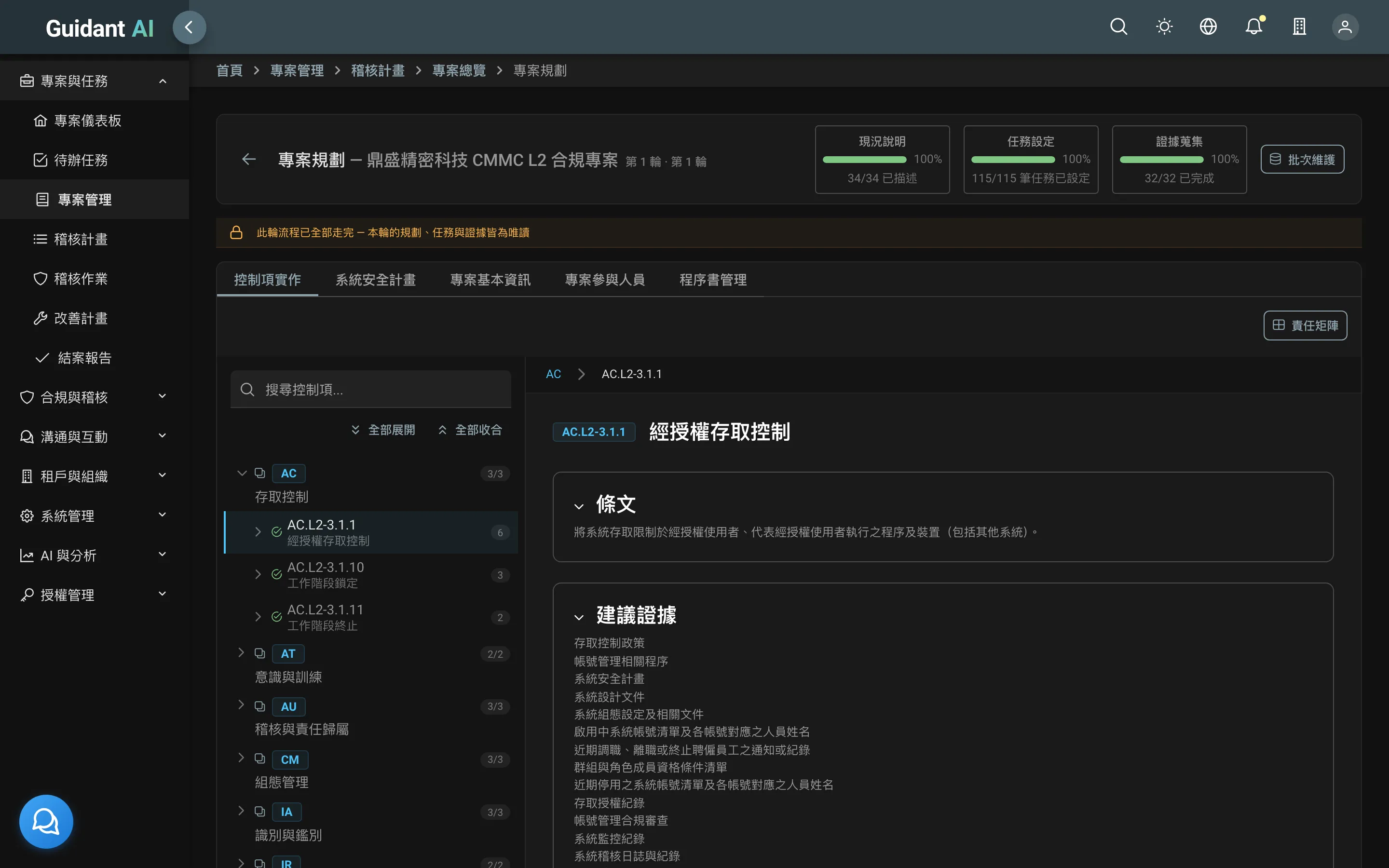
The system security plan is the first document an auditor reads. Guidant AI lets you record the implementation status and description of every control, link procedures, and keep it current year after year.
- Control-by-control status: implementation status, description, responsible department, referenced procedures
- Consultant interview fields: gaps, recommended fixes and suggested attachments, imported straight from interviews
- Excel and Word import/export: keep the formats you know; Word export can use the consultant's own template
04
Tasks, evidence and review steps
Every requirement has an owner, evidence, and someone who signs off
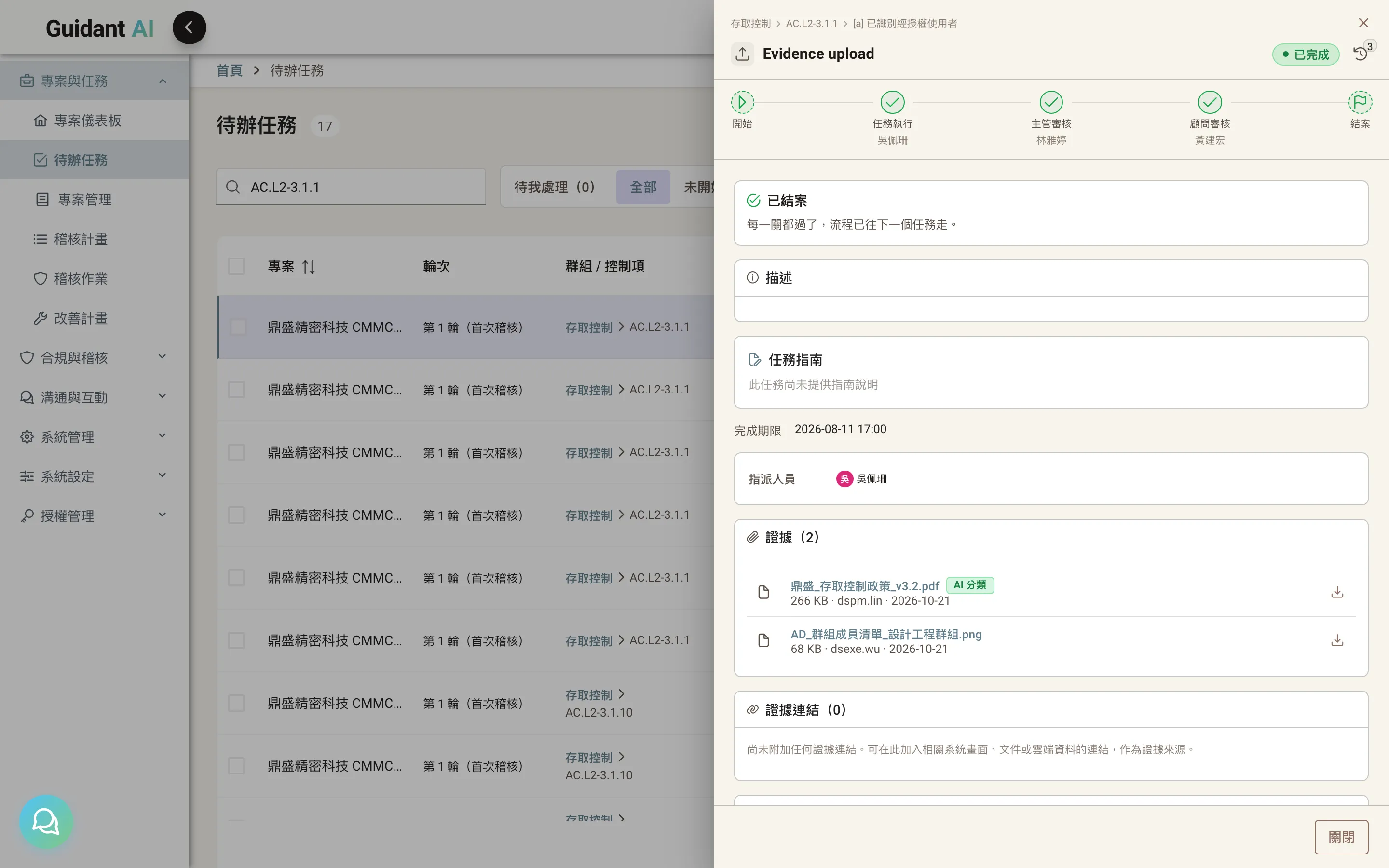
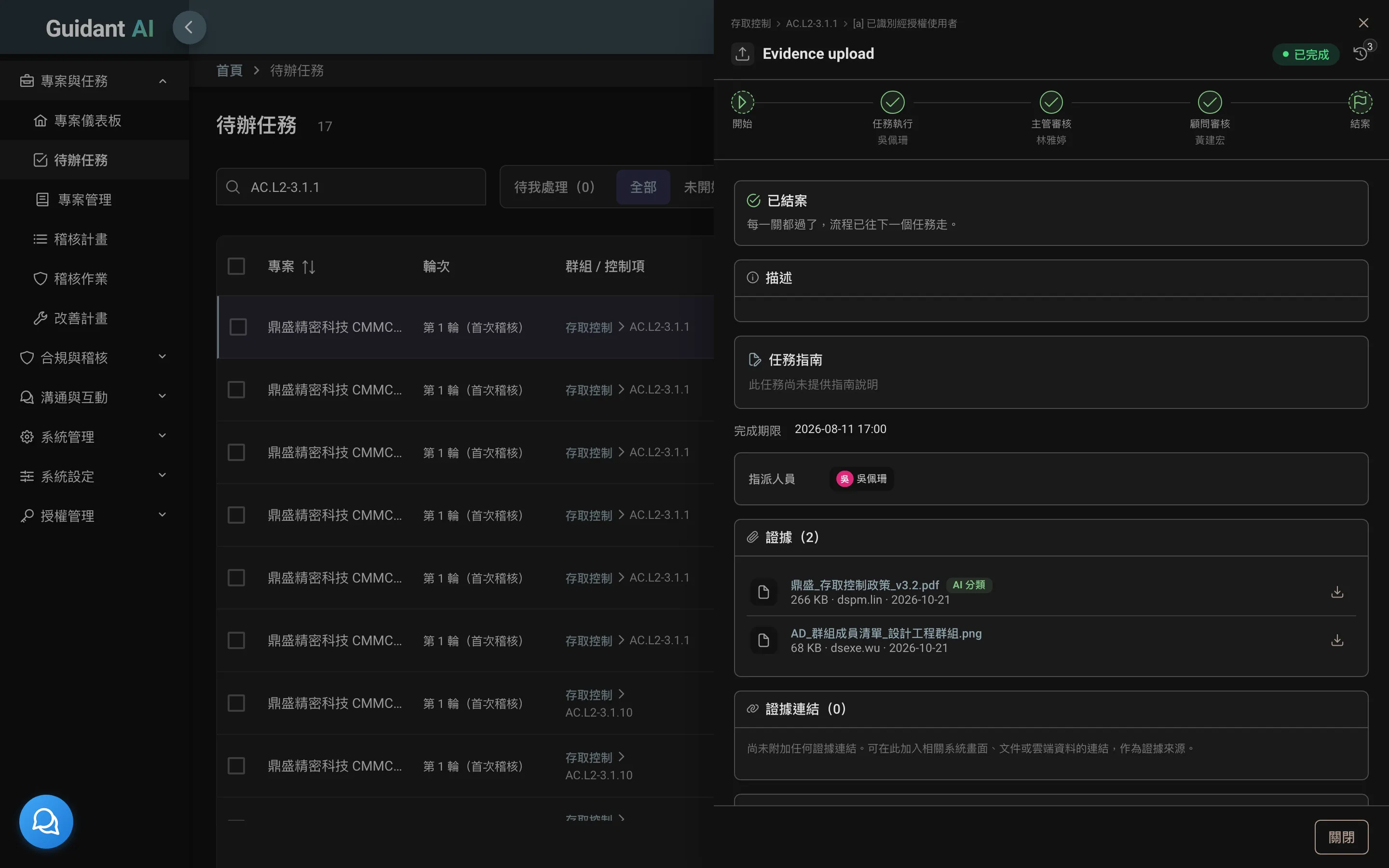
Break assessment objectives into tasks and assign them to the people who actually do the work. Owners upload evidence and fill in questionnaires; managers and consultants review in turn, and every approval or rejection is recorded.
- My tasks: everyone sees their own to-do list the moment they sign in
- Review steps: owner → manager → consultant, with as many steps and reviewers as you need
- Recurring tasks and reminders: monthly or quarterly checks reopen automatically; owners are reminded before due dates
05
AI evidence classification
Drop in a batch of files — AI puts them in the right place
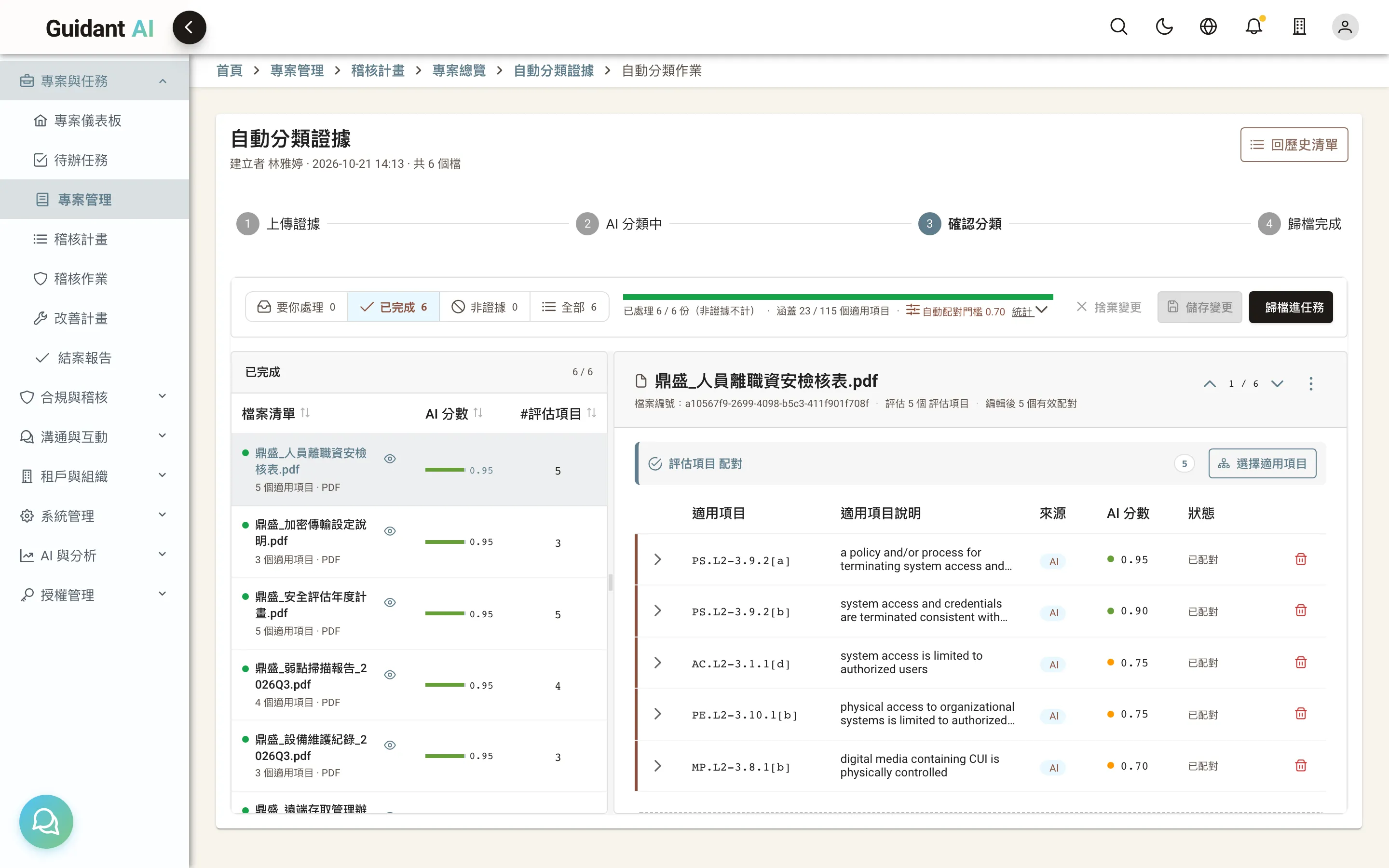
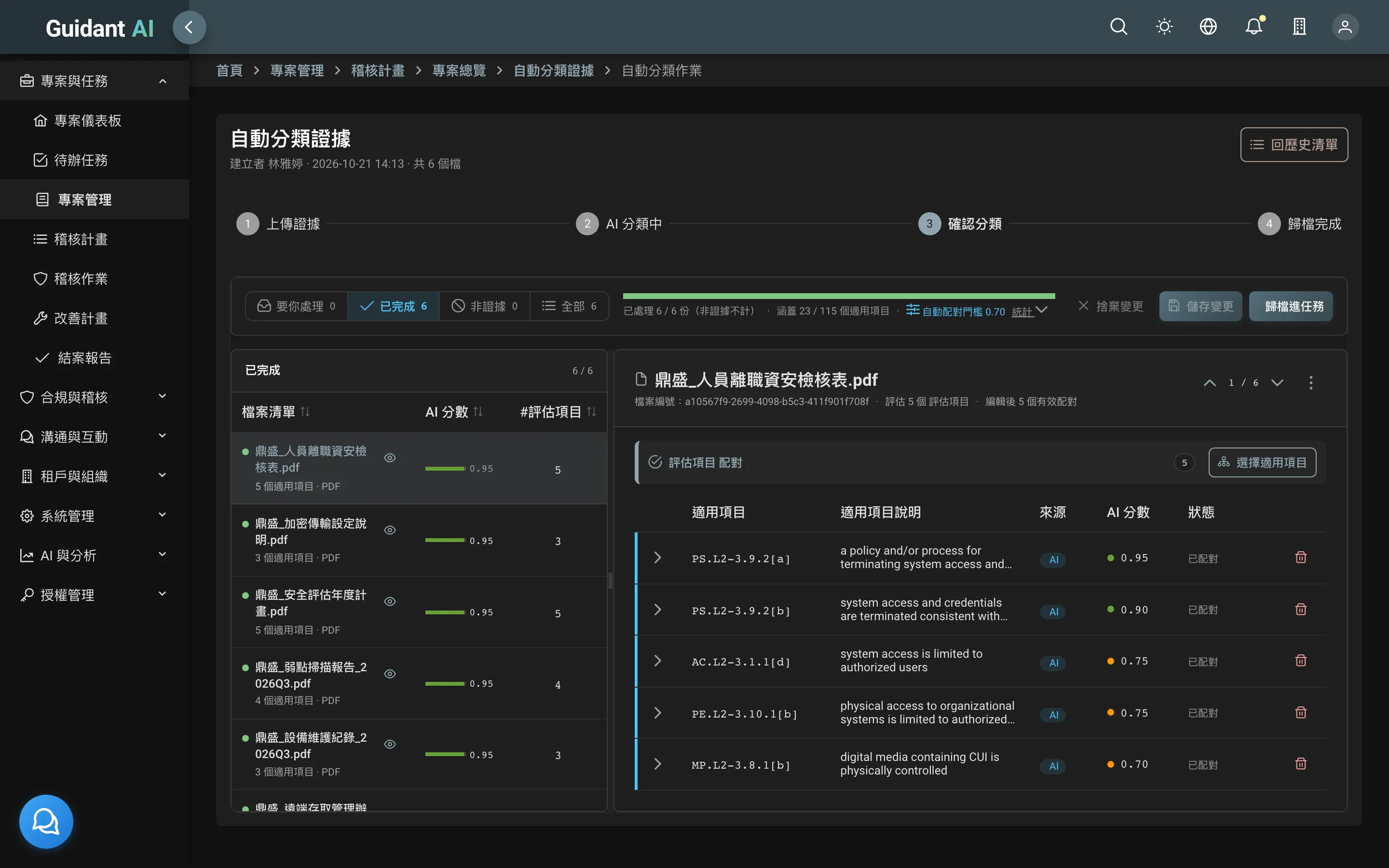
The slowest part of evidence work is deciding which requirement each document supports. Guidant AI reads the content — PDFs, images, Word, Excel, slides — and suggests the matching assessment objective. You confirm, and it's filed into the task.
- Batch upload: handle hundreds of files at once
- Human in the loop: AI suggests, you decide — every result can be corrected
- Safe by design: sensitive data is masked and injection attempts are blocked before anything reaches the AI
06
Automated scanning
Vulnerability and configuration scans that become evidence on their own
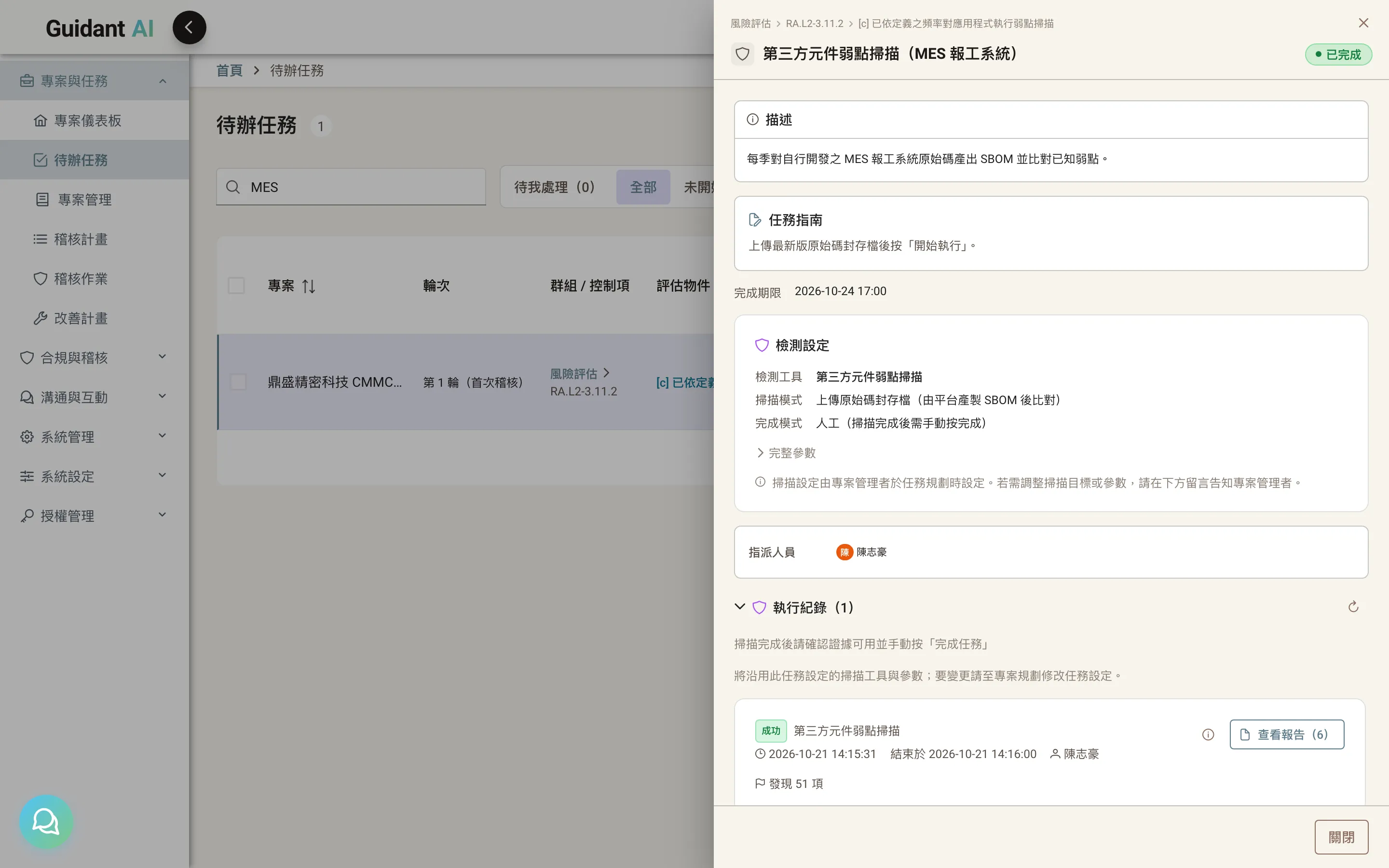
Deploy the Guidant AI detection agent in your environment and assign scans from the platform. The agent runs them inside your network, and reports flow back to the matching task.
- Eight scanning tools: network vulnerability scanning (OpenVAS, Nessus), web application scanning (ZAP), host configuration compliance (CINC Auditor, OpenSCAP, Taiwan GCB), port discovery (Nmap), source code security (SonarQube)
- Authorized scope only: scans are limited to the devices and network ranges you've registered
- Multi-agent dispatch: different agents cover different network segments in a single run
Nessus and SonarQube require your own licenses. Nmap must be installed on the execution host.
07
Third-party component risk
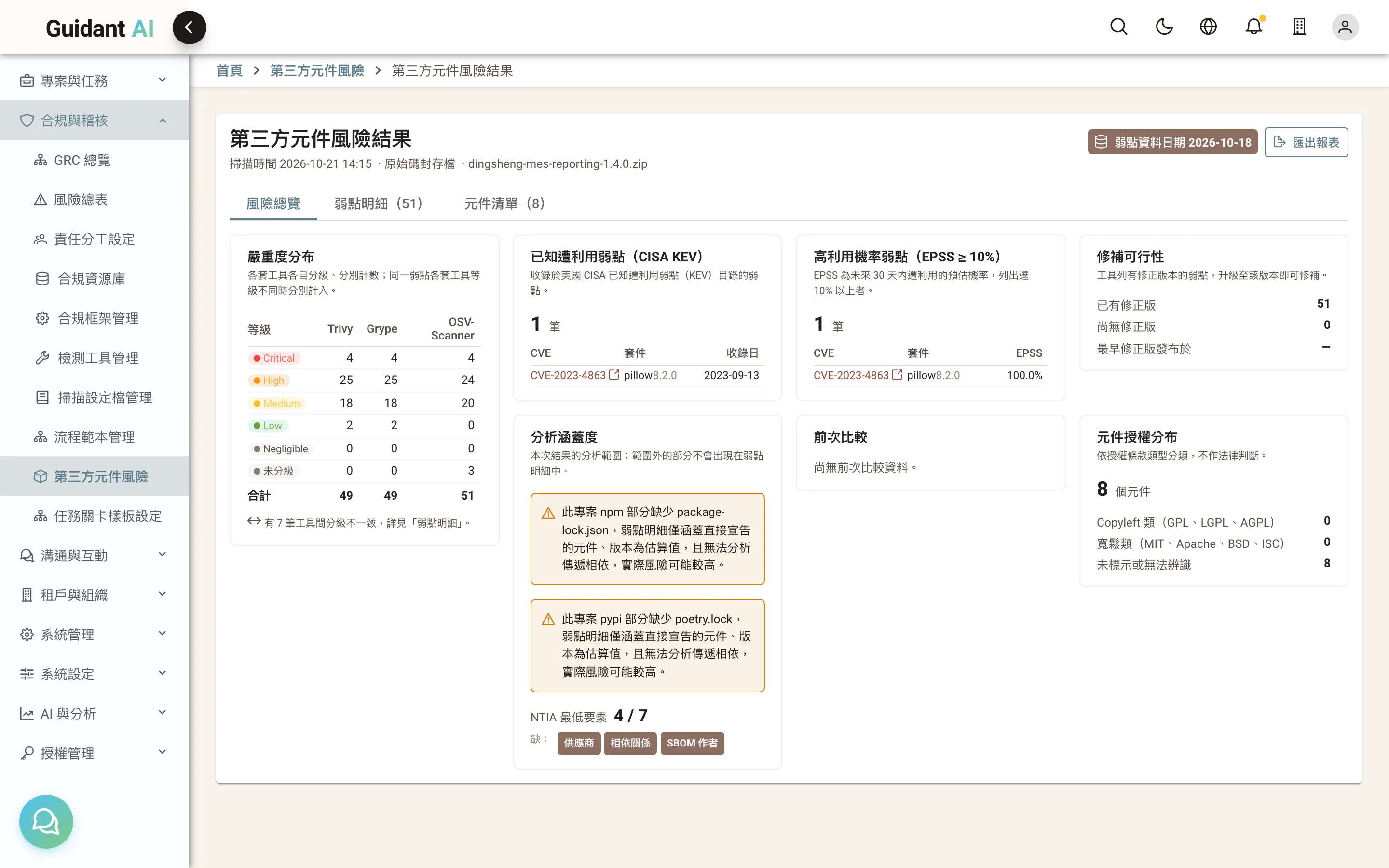
See which components carry known risk — no coding background needed
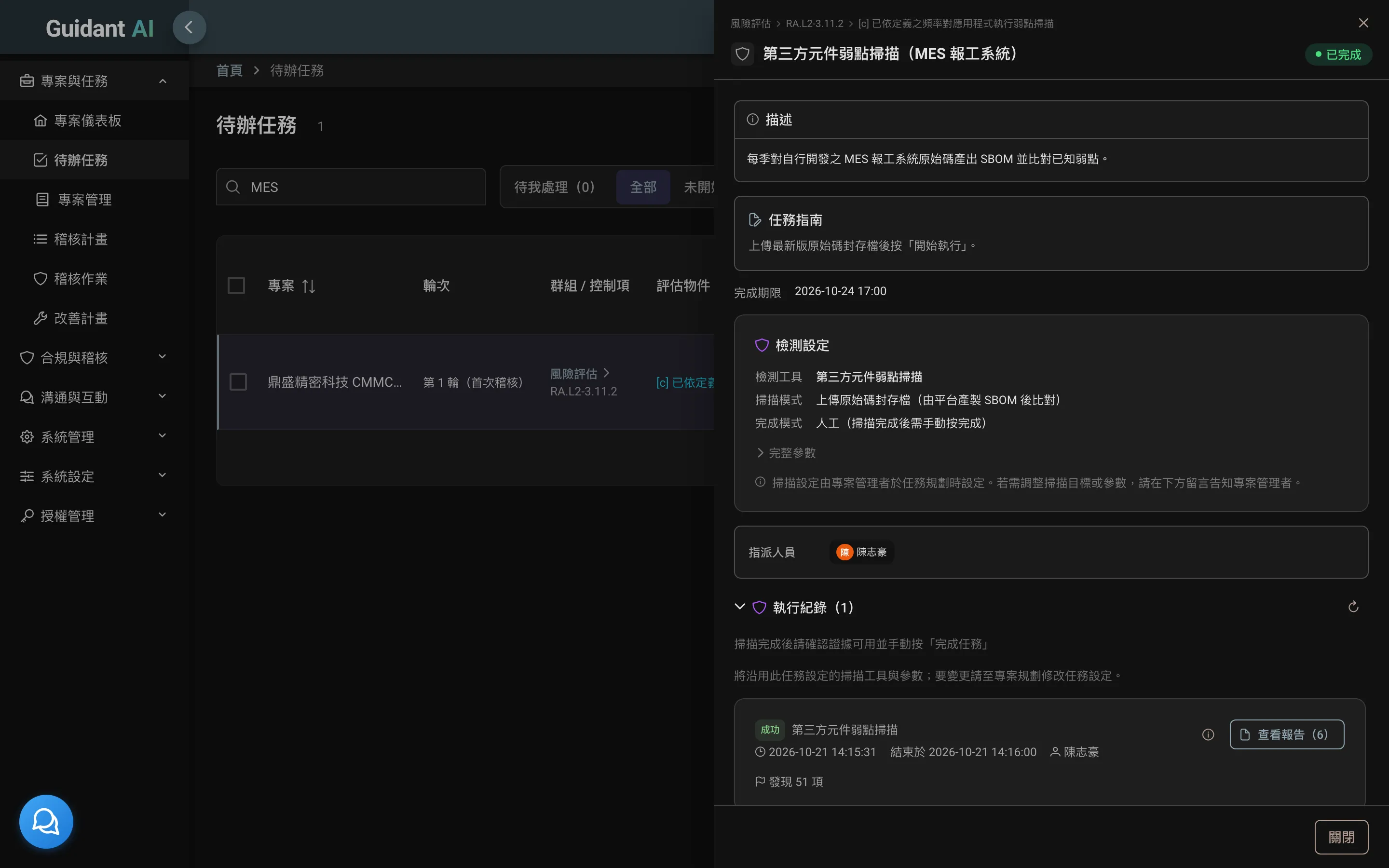
Upload source code or an SBOM. Guidant AI produces a standard software bill of materials, checks it against known vulnerabilities with three tools, and flags what's actively exploited (KEV) and how likely exploitation is (EPSS).
- Standard SBOMs: CycloneDX and SPDX, as required by the EU CRA
- Facts, not verdicts: each tool's result is shown side by side; missing data is labeled "cannot be determined," never shown as zero
- Scan-to-scan comparison: see what's new and what's fixed; get notified when a new high-severity issue appears
08
Audit work: plan, assess, remediate
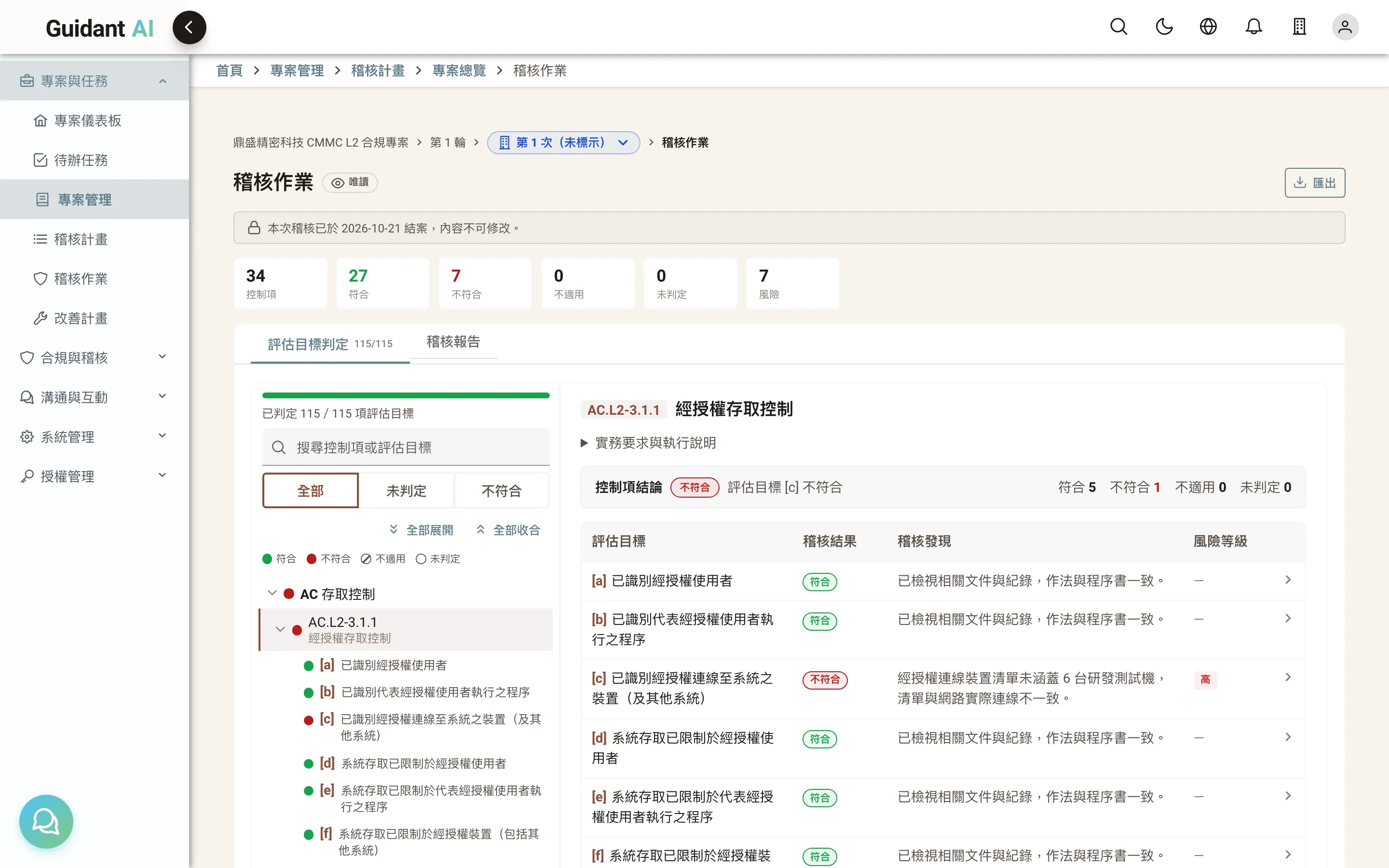
Auditors assess item by item; failures go straight into the remediation plan
The audit plan sets out the method and the people and assets in scope for every objective. Auditors see the SSP narrative, evidence and scan reports on one screen and record their assessment. Anything marked not met flows into the remediation plan with an owner and a due date.
- Audit plan: method, interviewees and assets, planned item by item
- Item-by-item assessment: met / not met / not applicable, with findings, risk severity and recommendations
- Remediation plan (POA&M): not-met items are carried over automatically with actions and deadlines
- Excel round-trip: export a four-sheet workbook for offline work, then import it back
09
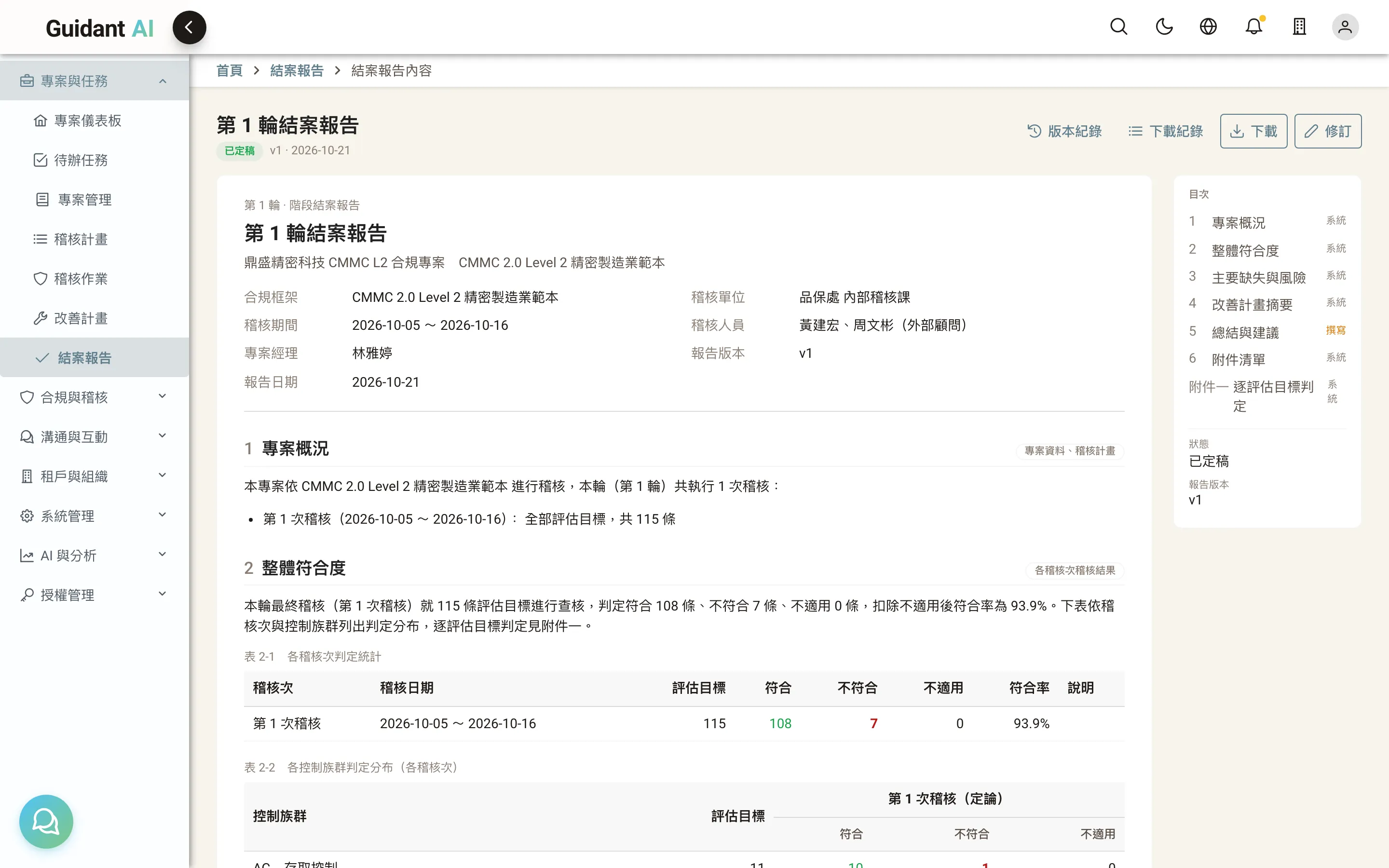
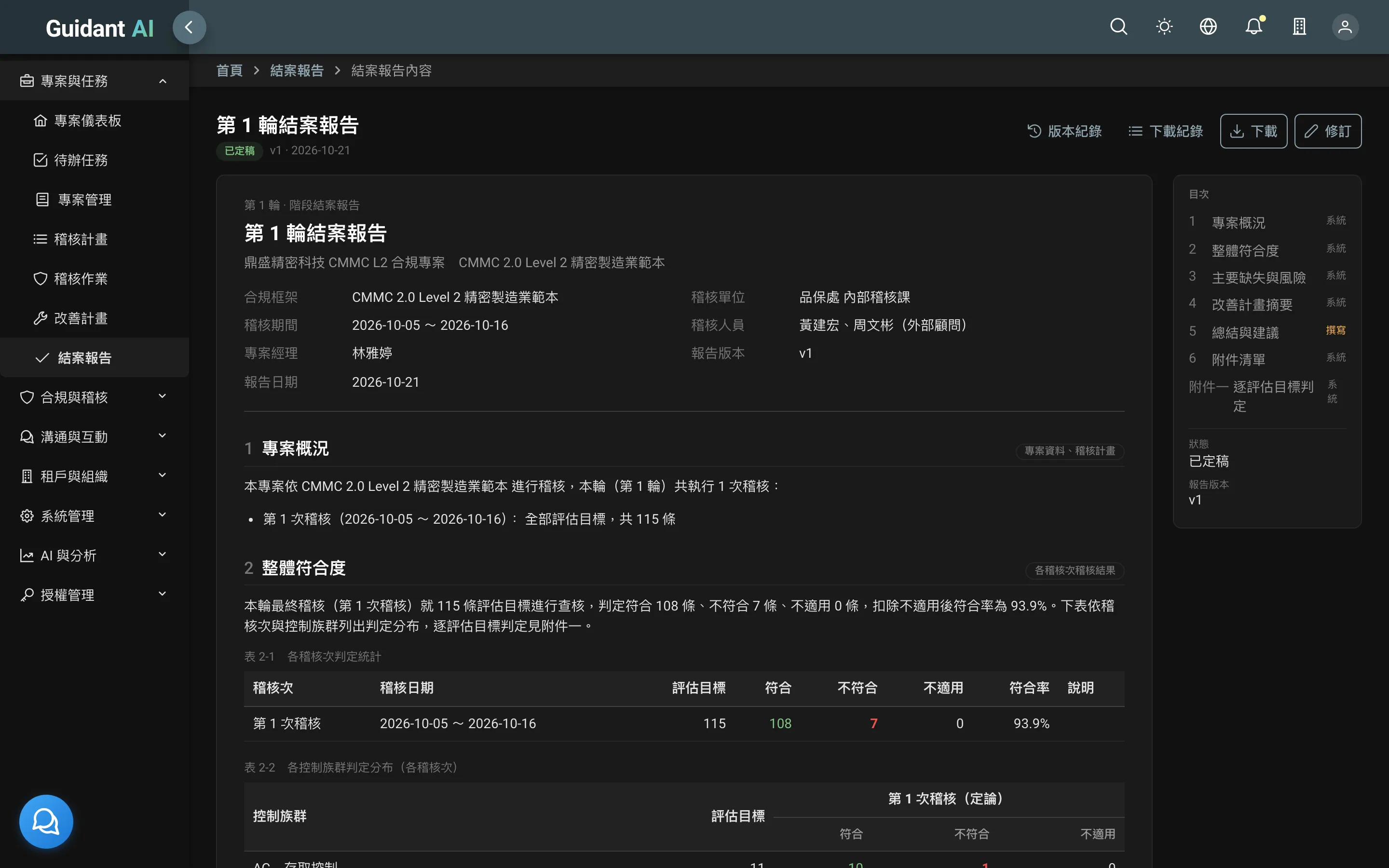
Closing reports
When a cycle ends, the formal report is ready
Every chapter — project overview, overall conformance, key findings, remediation summary — is generated live from the audit data. Only the "summary and recommendations" section needs a consultant's hand.
- One click: download as Word or PDF
- Report package: the evidence and cross-reference table as they stood at closing, bundled and re-downloadable any time
- Finalize and revise: finalized reports are locked; revisions are tracked
10
GRC: governance and risk
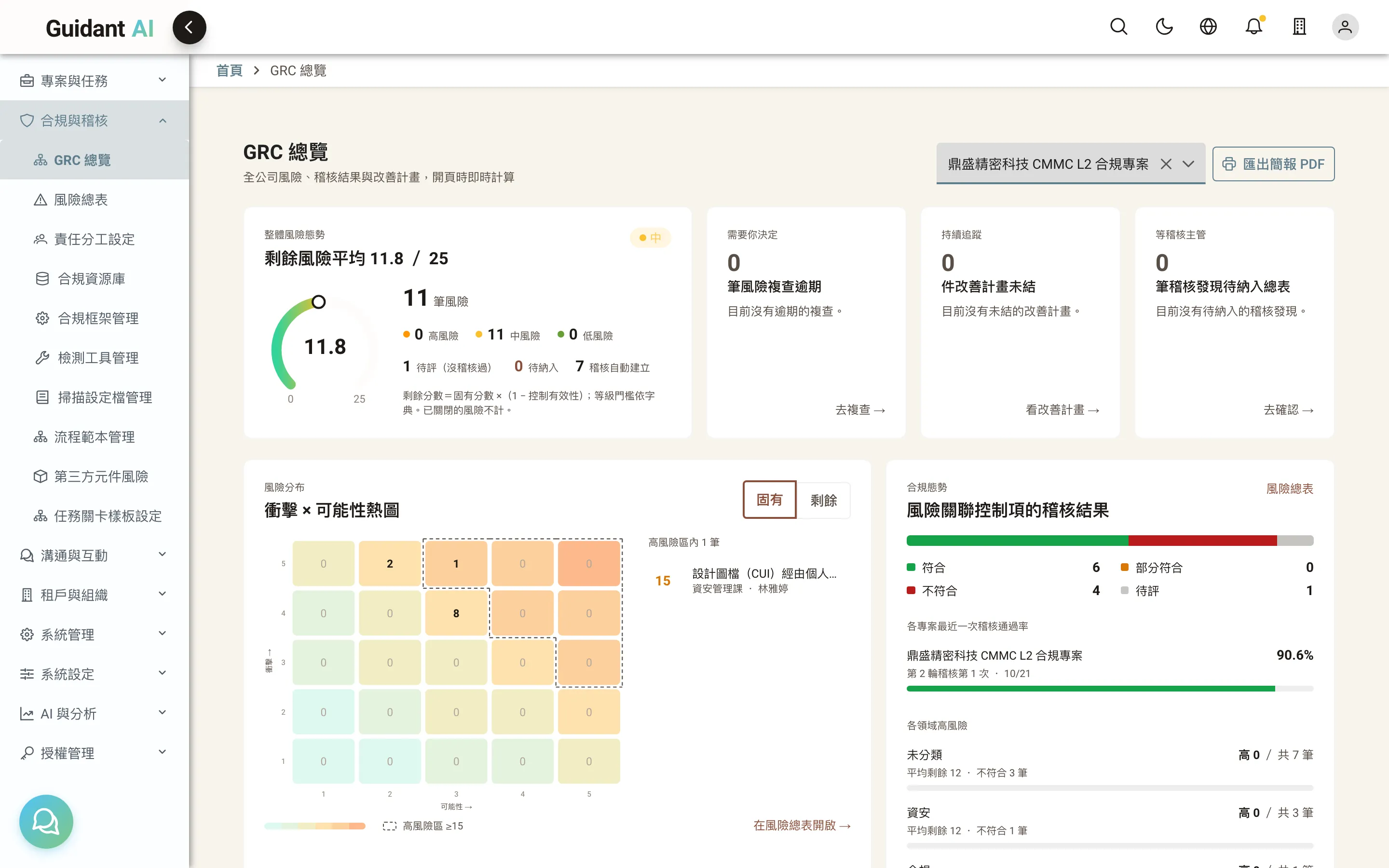
The one page leadership wants: compliance and risk across the company
Once compliance is under way, leadership asks: "Which department needs attention? What's our biggest risk?" Guidant AI brings ownership and risk into the same platform.
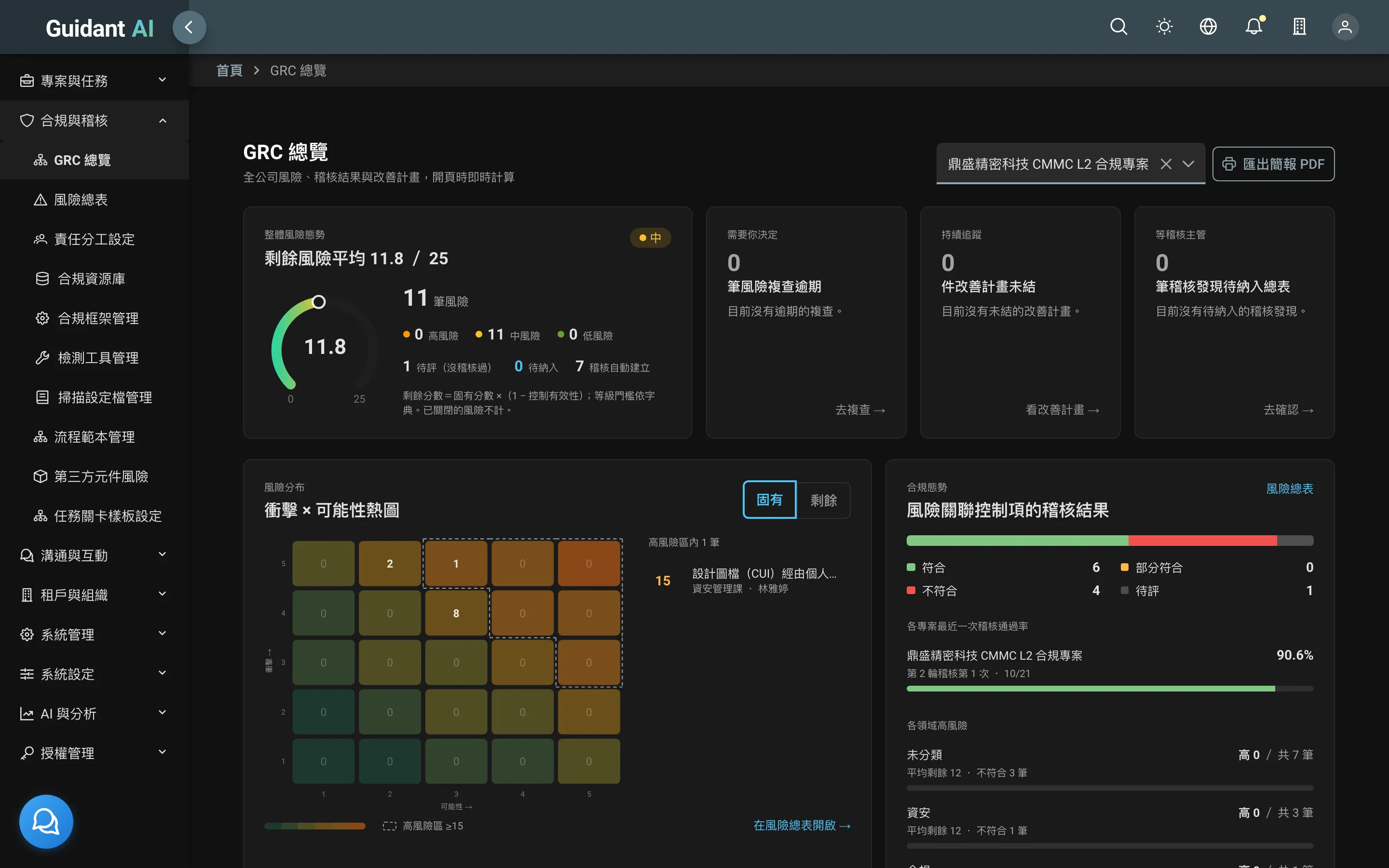
- GRC overview: overall risk posture, 5×5 heat map, department scorecards and a 12-month review schedule; export as a slide deck
- Risk register: one register for the whole company; failed audit items create draft risks automatically
- Ownership (RACI): which department owns each control, who does the work, who's informed
11
AI assistant and AI dashboard
Ask how the system works, ask how to meet a requirement, or build a chart in one sentence
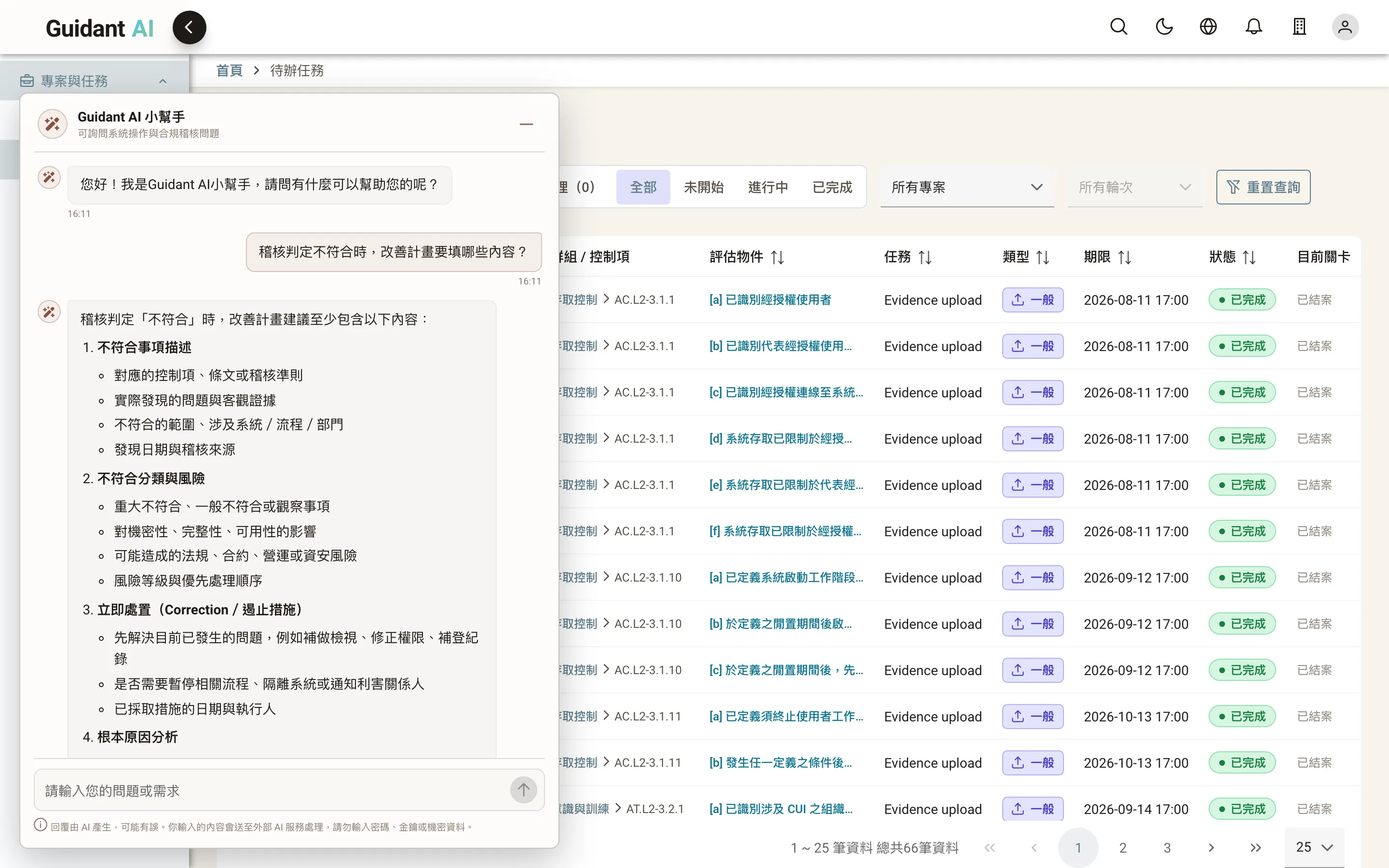
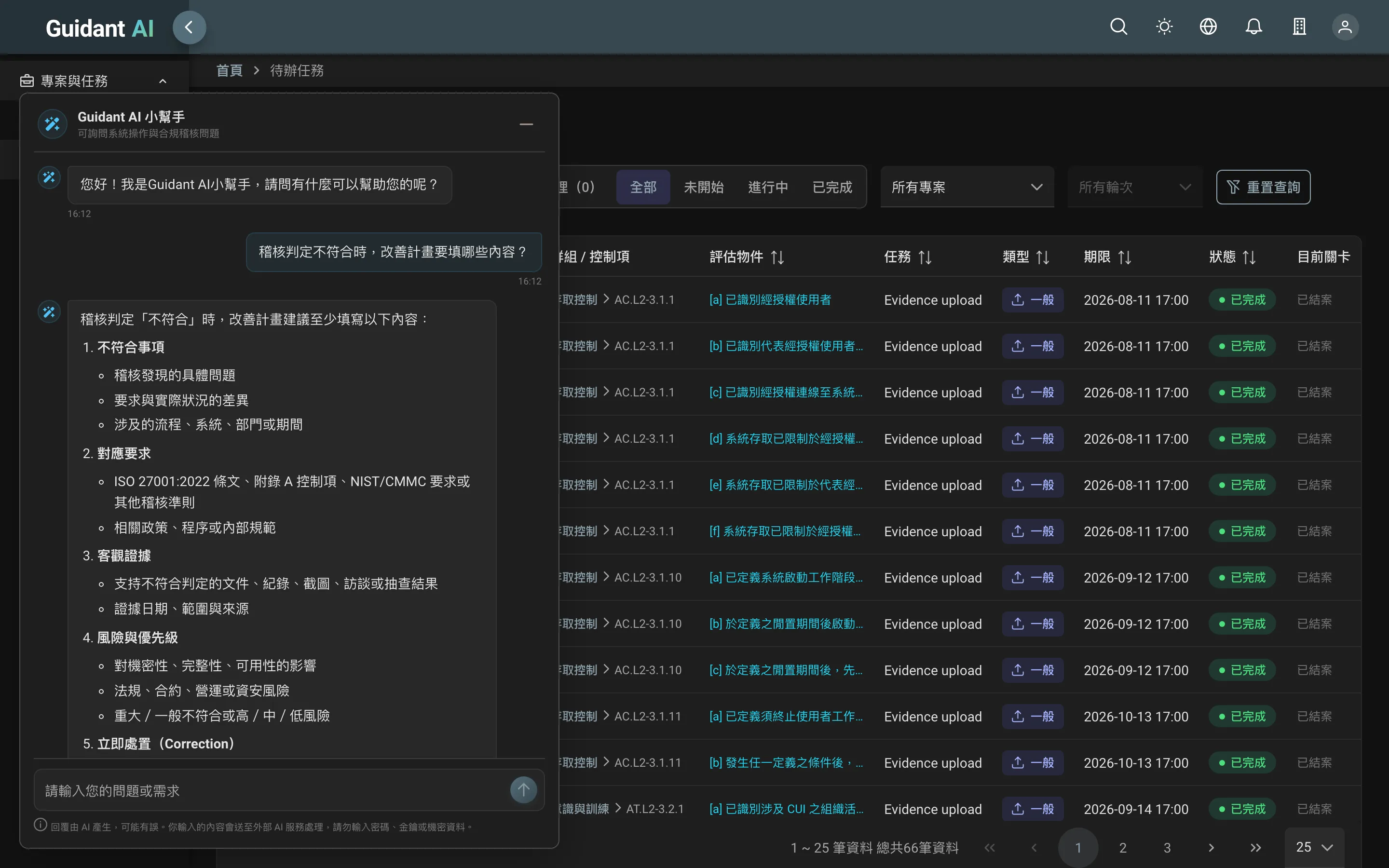
- AI assistant: available on every page, answering questions about the system and compliance topics (ISO 27001, CMMC, controls, evidence, audit practice)
- AI dashboard: type "number of not-met items by project" and get charts and tables instantly
- AI gateway: every AI call masks sensitive data, blocks inappropriate requests, enforces usage quotas and is logged
12
Enterprise administration and on-premises deployment
Meets enterprise IT requirements — and installs entirely in your data center
- On-premises deployment: a complete installation package for your own servers; evidence files can be stored wherever you choose
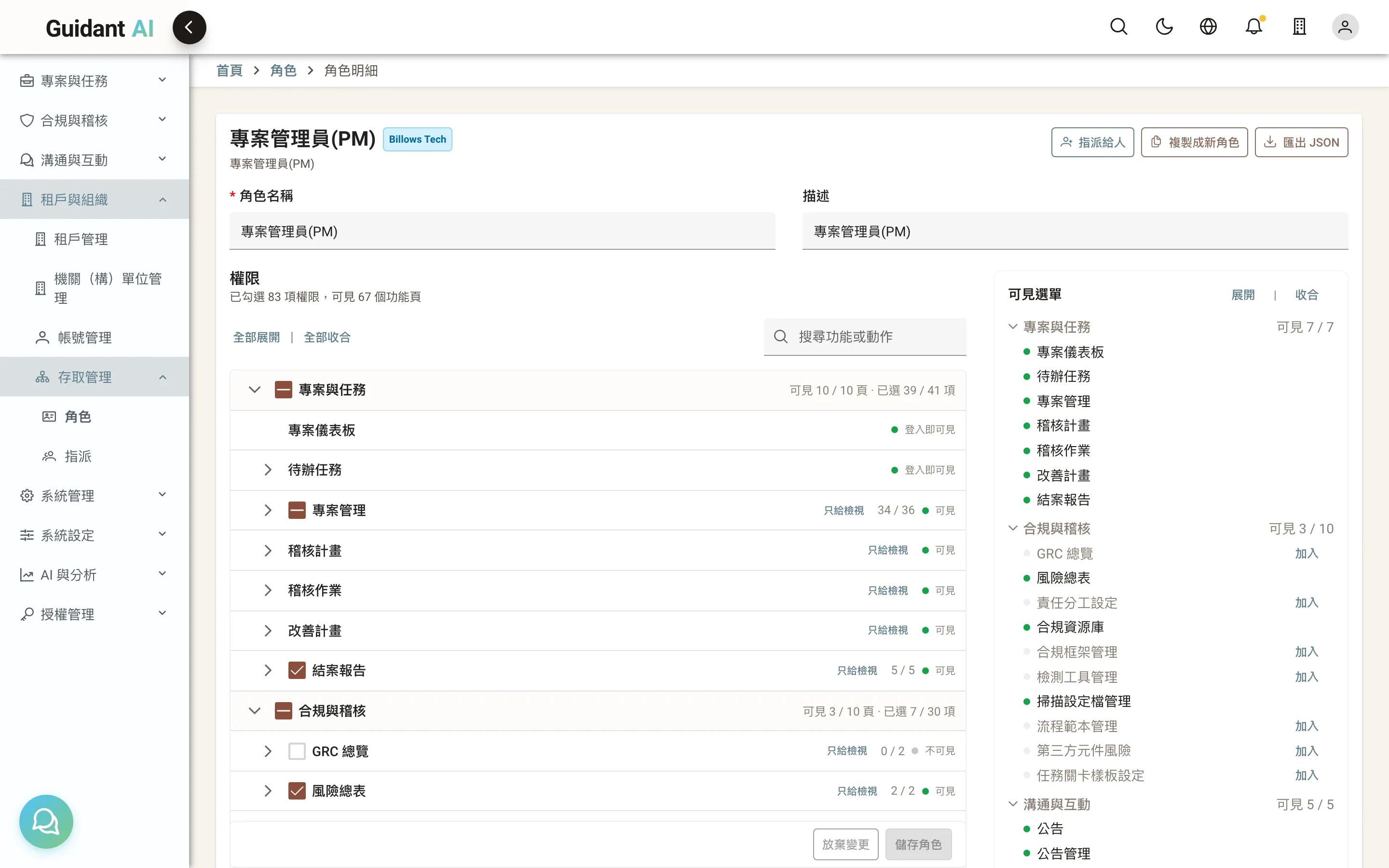
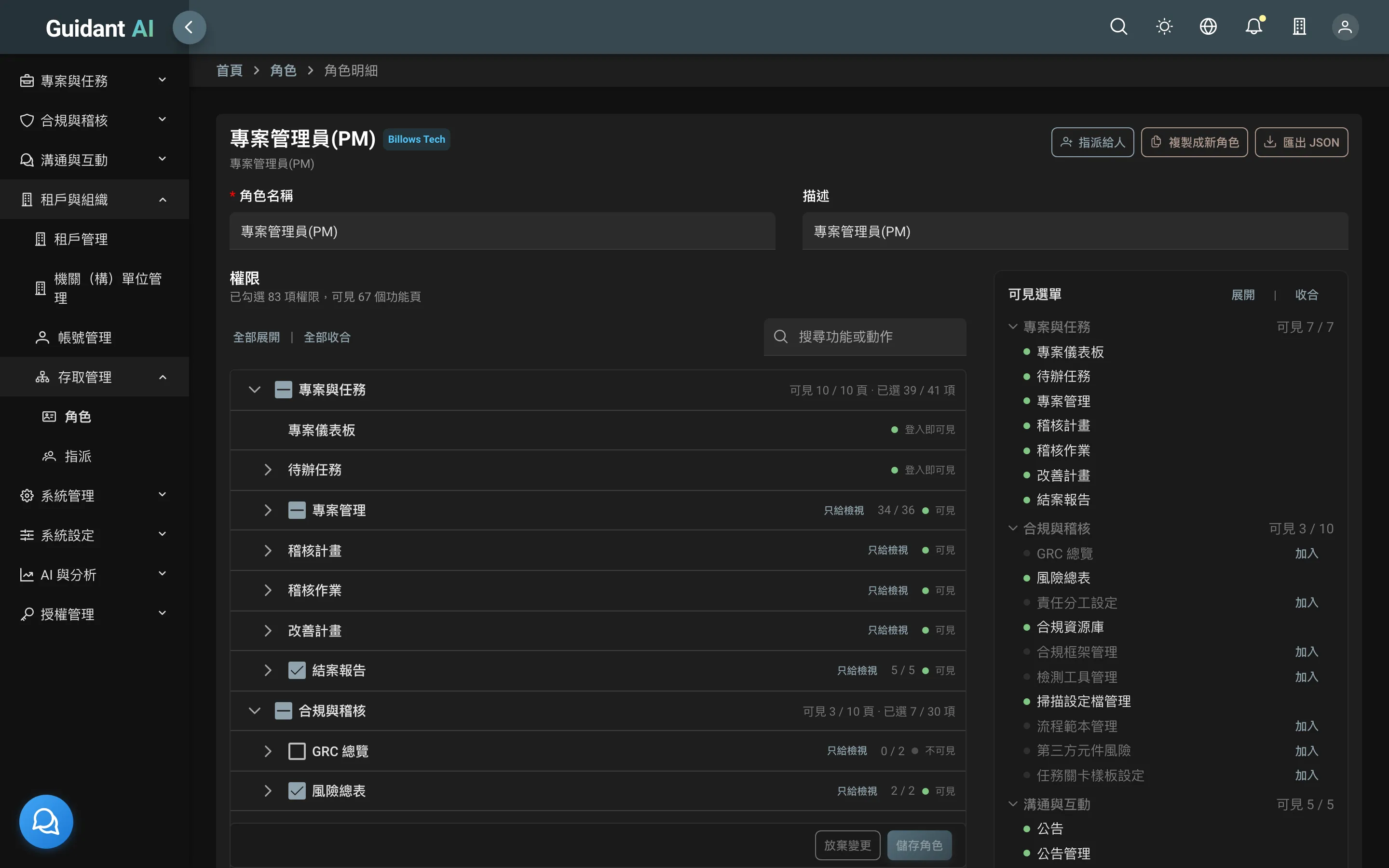
- Access management: who, which role, which scope, until when — clear permissions that expire automatically
- Enterprise integration: LDAP, multi-factor authentication, security policies, log forwarding to your SIEM (Syslog / GELF), email and instant notifications
- Multi-tenant and departments: group, subsidiary and department hierarchies with isolated data
- Code protection: the installed edition is compiled and checks itself for tampering
More features
Questionnaires
Design questionnaires and attach them to tasks for audited teams to answer
Announcements and feedback
In-app announcements; issue reports can sync to GitLab or GitHub
Cloud integration
Pull evidence from Google Drive folders
Asset inventory
Information systems and devices, including versions and support periods
Languages
Traditional Chinese and English interfaces
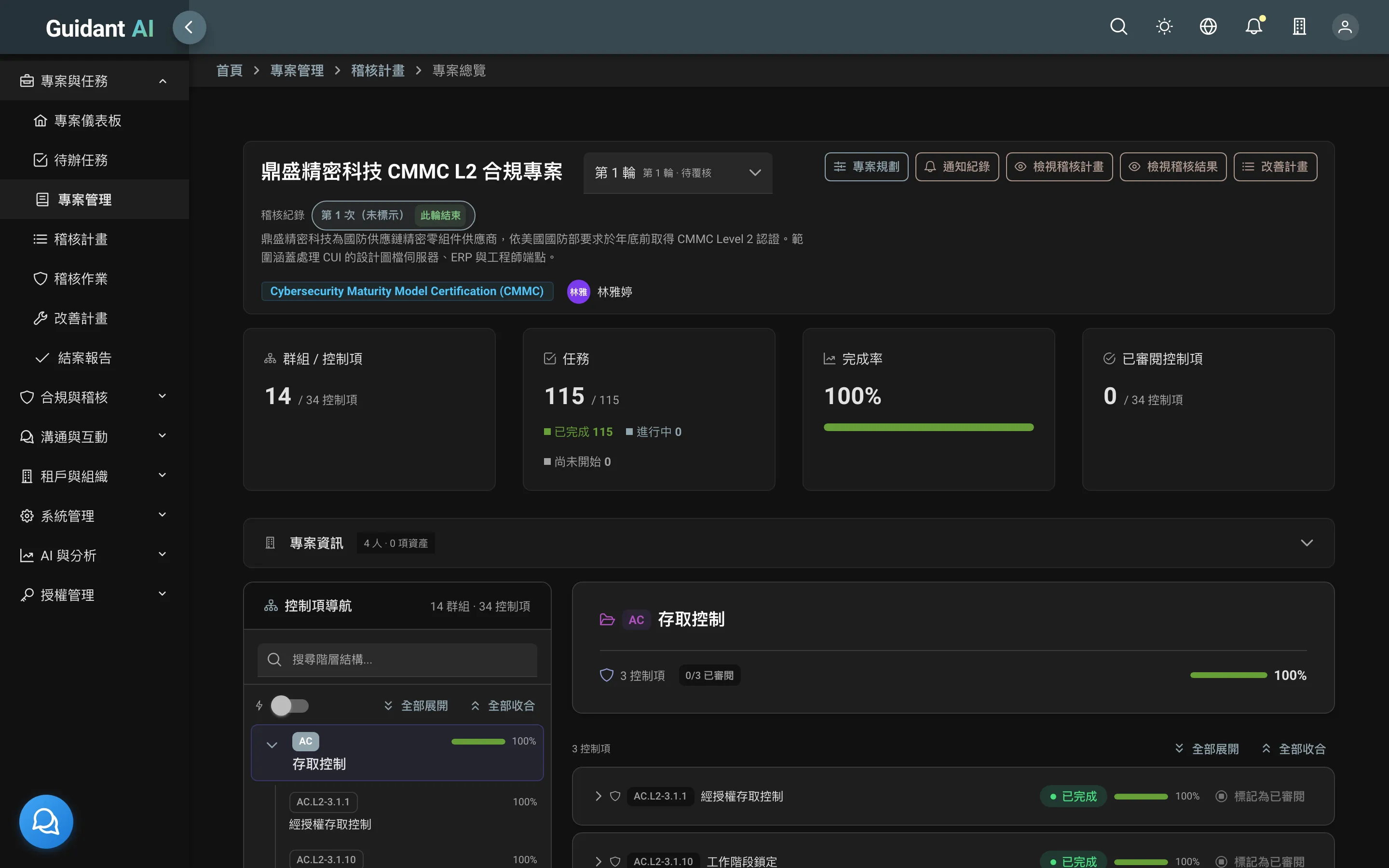
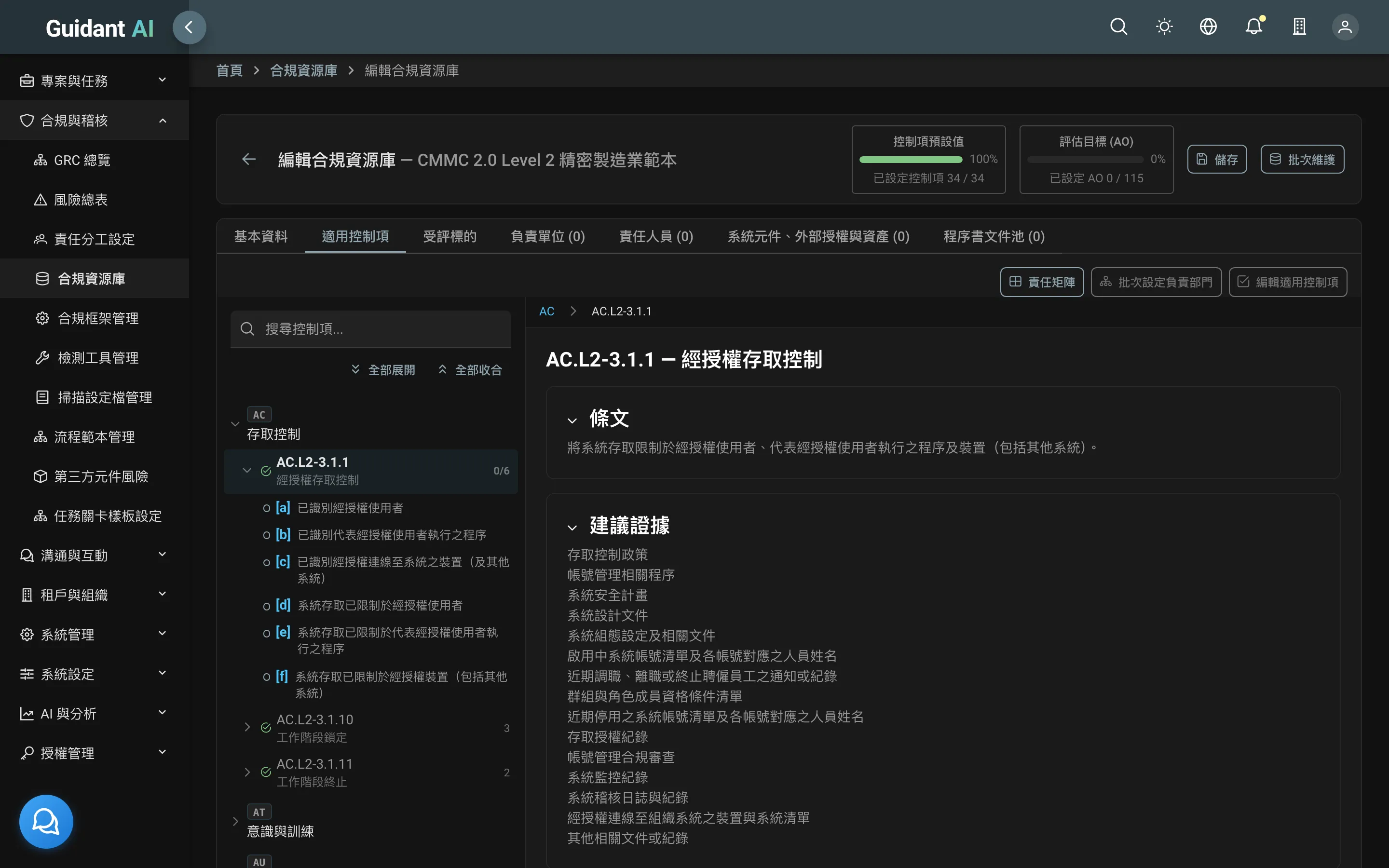
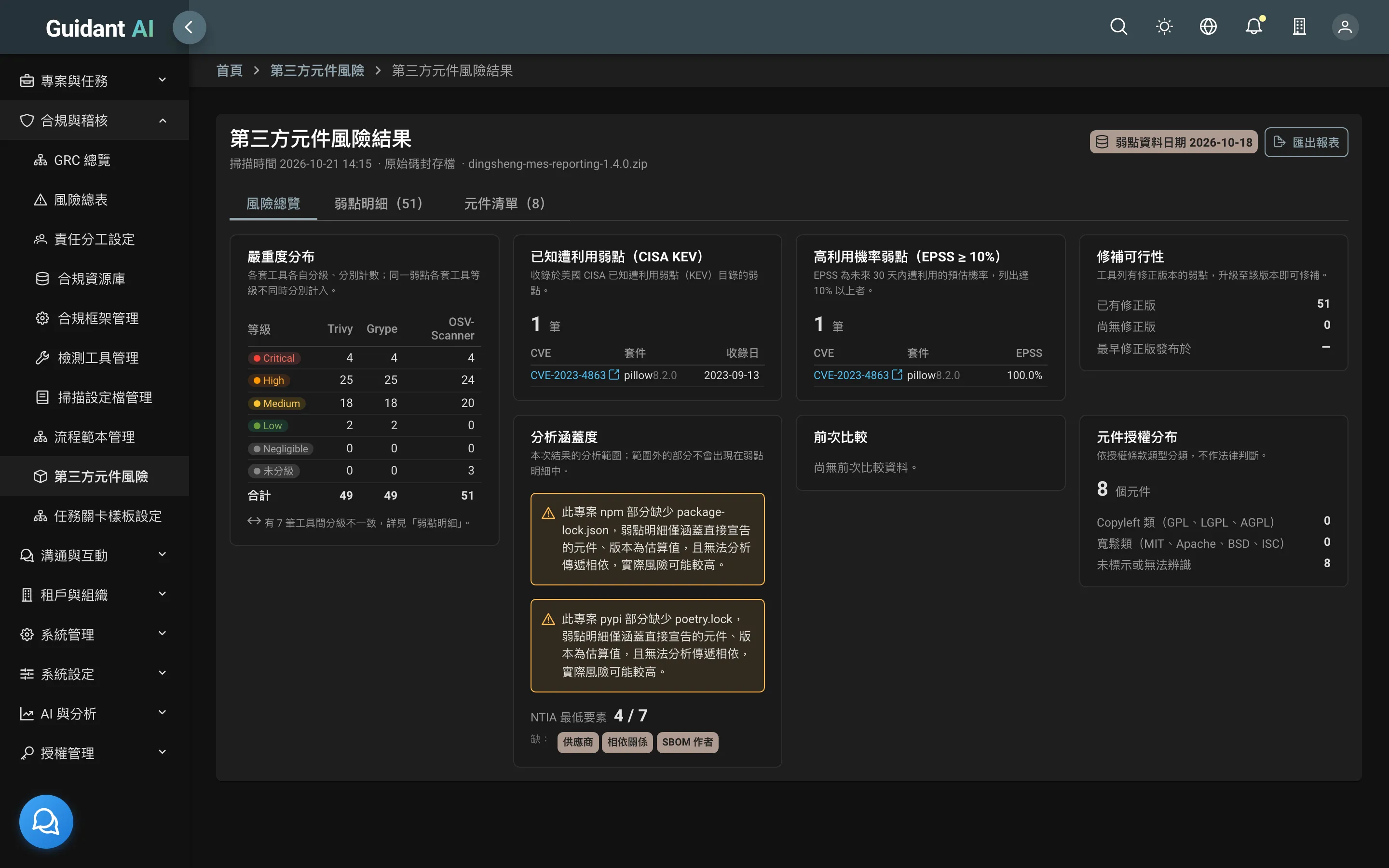
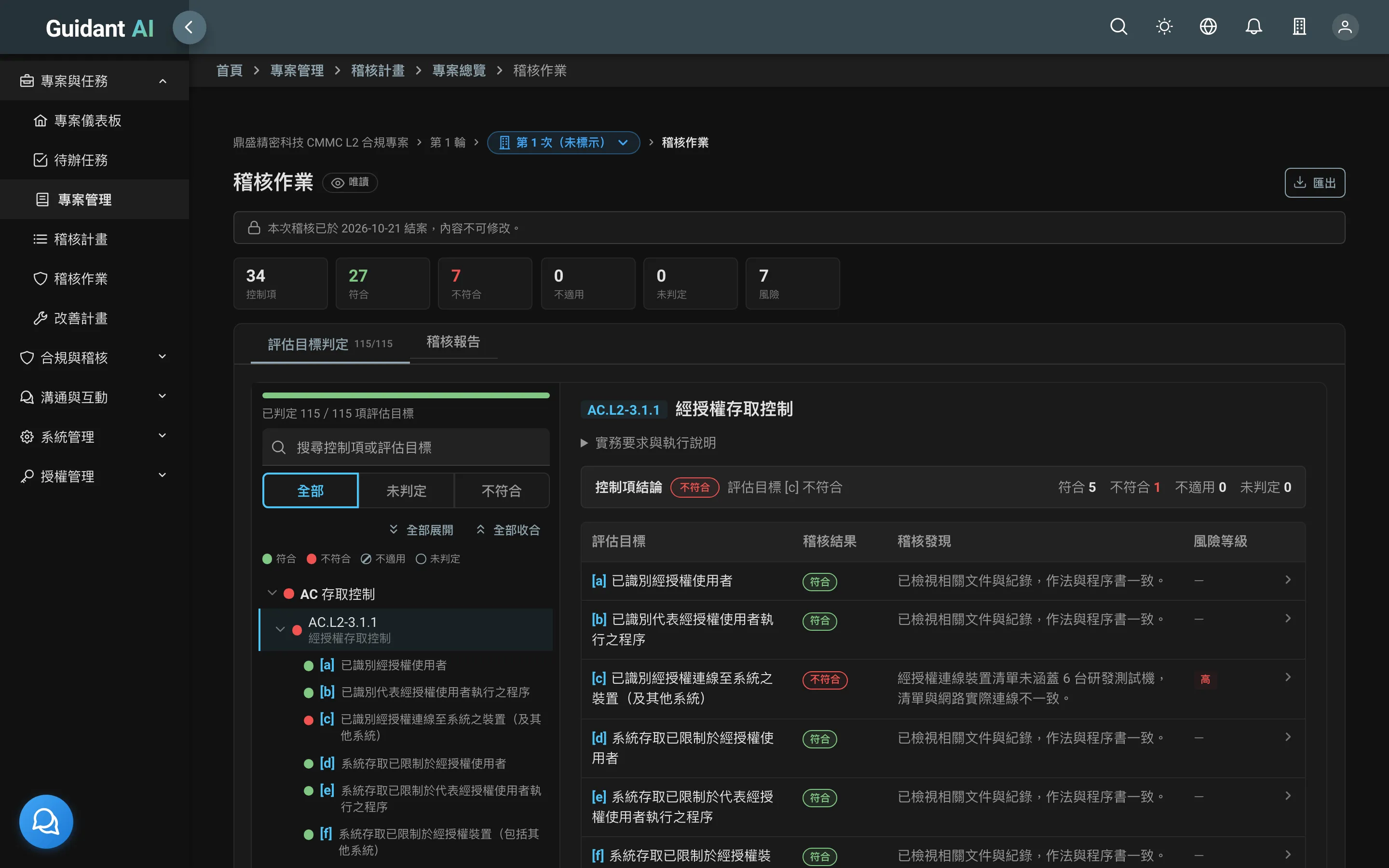
Light and dark themes
Switch to suit your preference
Deployment
- Where it runs
- Your own servers or private cloud
- Where data lives
- Entirely in your environment; evidence files on local disk, MinIO or a designated file agent
- Installation
- Complete installation package, manuals and video tutorials
- Licensing
- Licensed by module; enable modules in stages
Our security commitment
- Public vulnerability disclosure policy and security advisories →
- An SBOM for every release
- Every version supported for at least five years
How much audit-prep time could Guidant AI save your team?
Tell us which framework you're preparing for, and we'll set up a 30-minute demo.