From current-state assessment to closing report, on one platform
Frameworks, system security plans, tasks and evidence, audits and remediation. Every step has an owner and a record, and next year picks up where this one left off.
The problem
| Before | Now |
|---|---|
| The regulation is a PDF; what to do depends on what the consultant says | Requirements are broken into controls and assessment objectives, each stating what to check and what evidence proves it |
| The SSP is a Word file nobody knows who changed | The system security plan is recorded control by control, every change versioned and diffed |
| Evidence lives on laptops, in inboxes and shared drives | Evidence is uploaded straight to the matching task; auditors open it in one click |
| Every year starts from scratch | A new cycle automatically carries forward last cycle's SSP, evidence and findings |
01
Frameworks and libraries
Turn regulations into reusable work templates
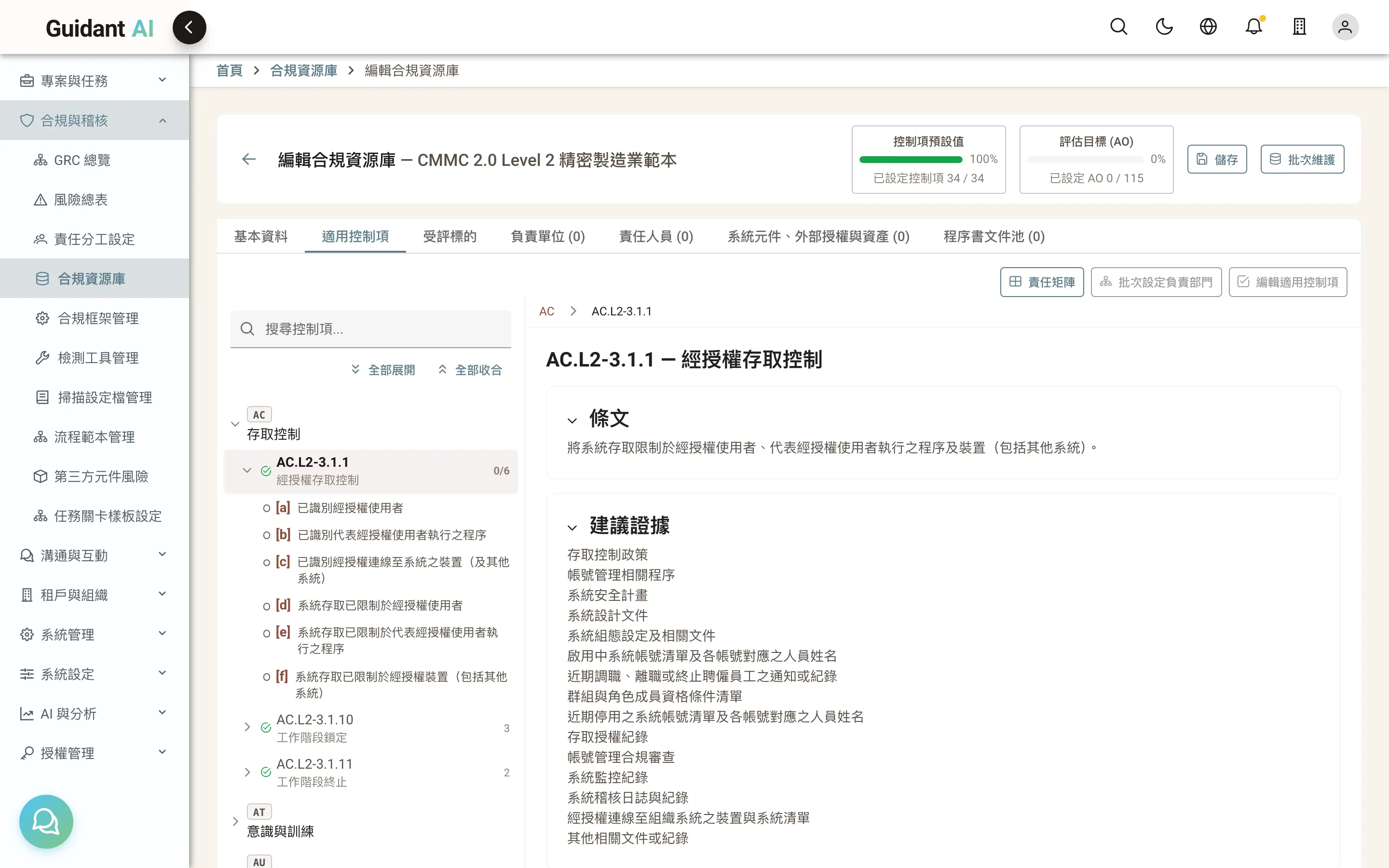
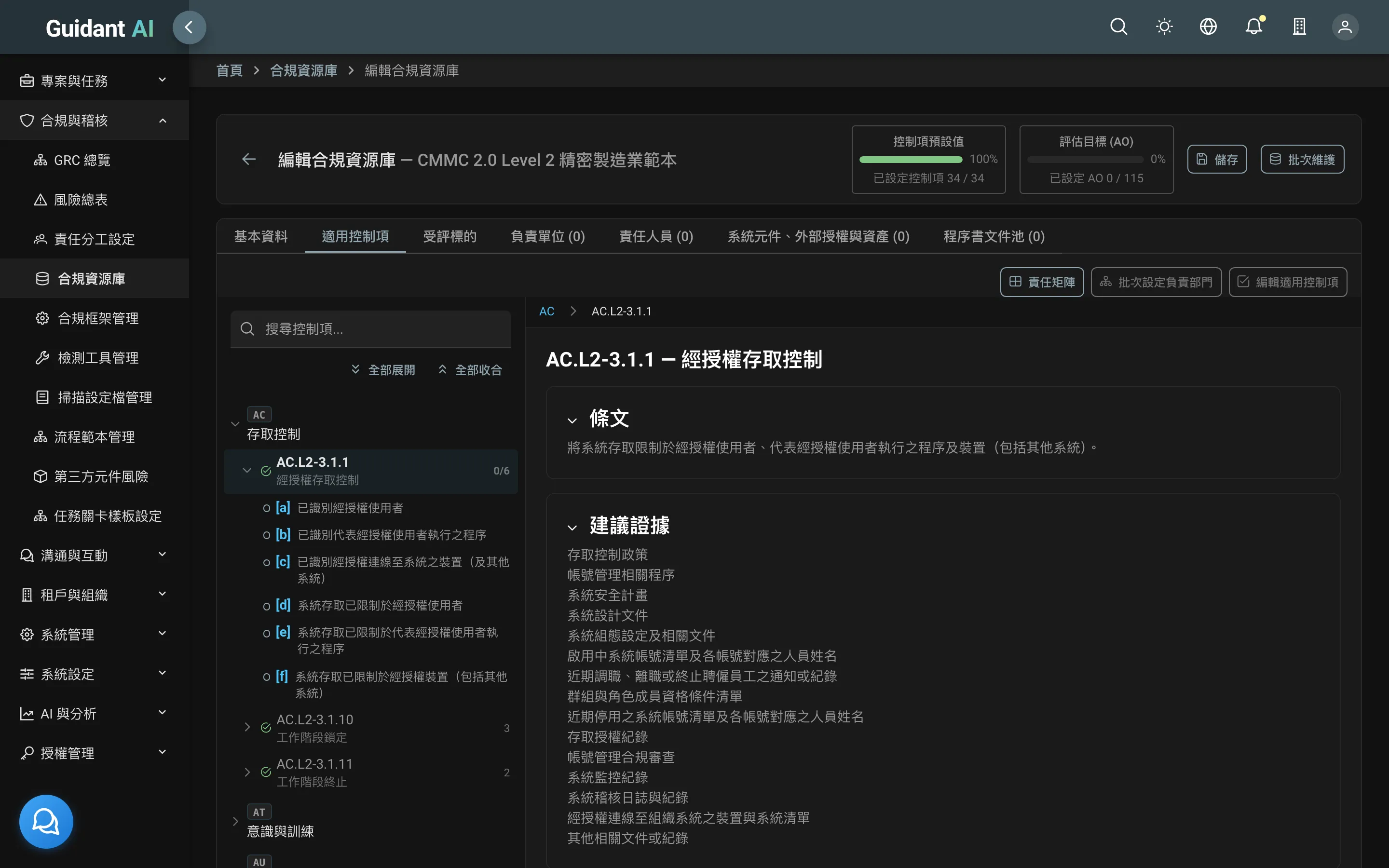
Built-in CMMC 2.0, ISO/IEC 27001:2022 and EU CRA, with new versions importable from the official PDF. Consultants package control selections, SSP templates, audit workflow templates and form settings into a "library" the next client reuses.
- Browse controls as a tree, each with assessment objectives, suggested evidence and audit guidance
- One library can start many projects; updating the library doesn't disturb projects in flight
- Compare old and new when a framework version changes
02
Projects and the audit lifecycle
One project, year after year
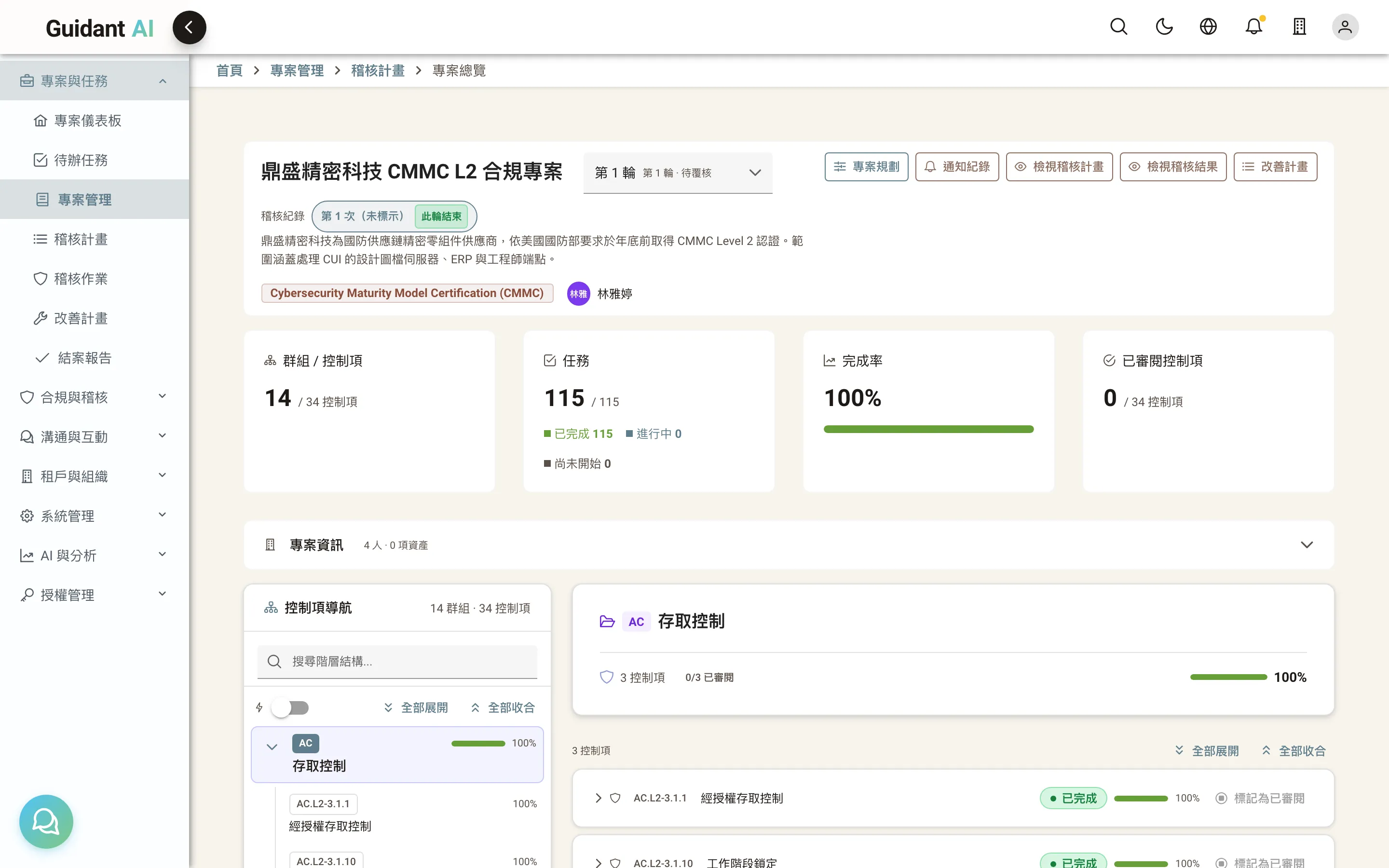
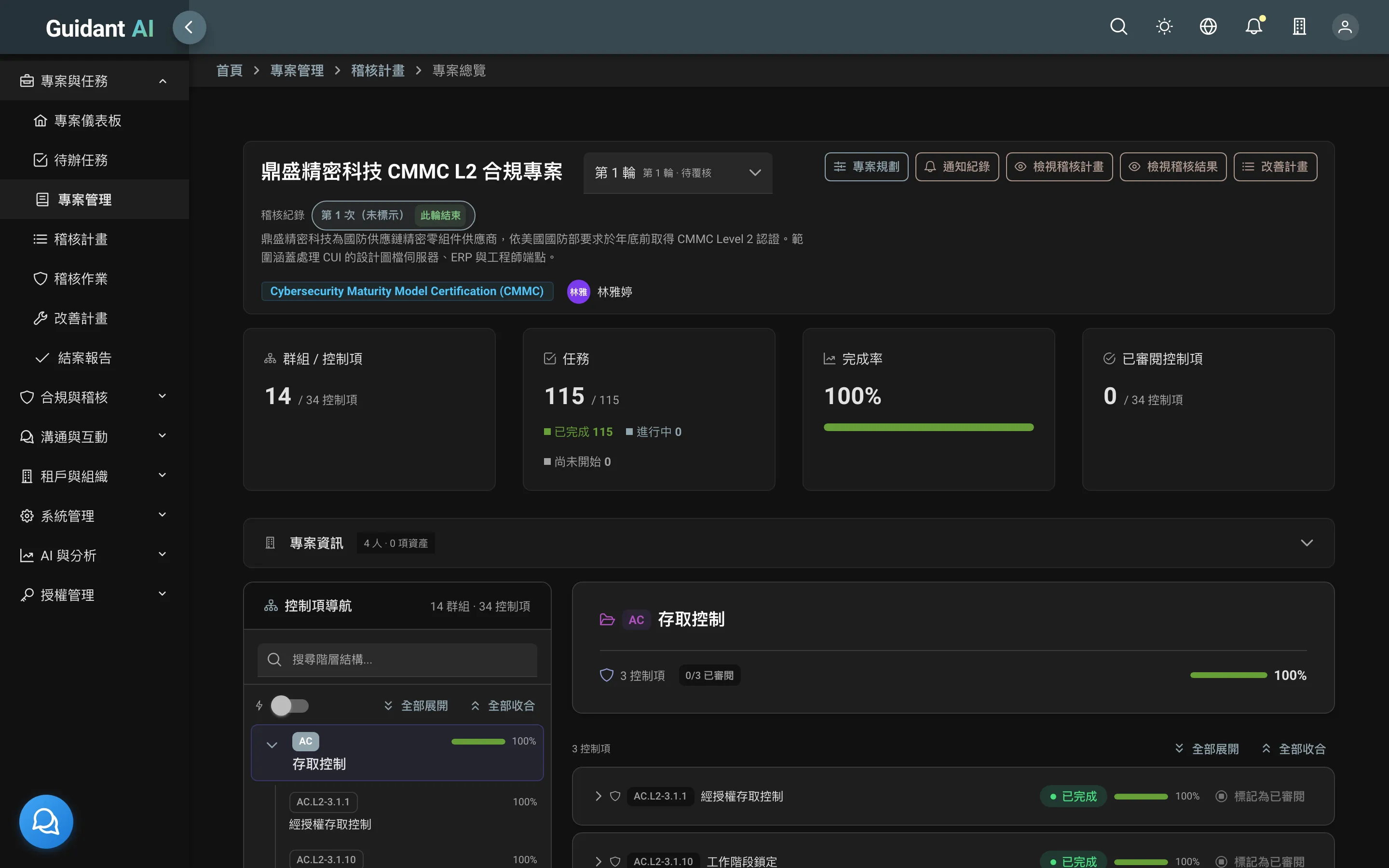
A project is the long-term management of one framework. Each cycle runs planning → internal audit → external audit → remediation → closing; next year's cycle inherits the current state and open findings.
- The project dashboard shows the current stage, completion rate and open items at a glance
- Stage transitions are gated: you can't close with open findings
- Internal and external audits can run in sequence within one cycle
03
System Security Plan (SSP)
"How we do it today," recorded for every control
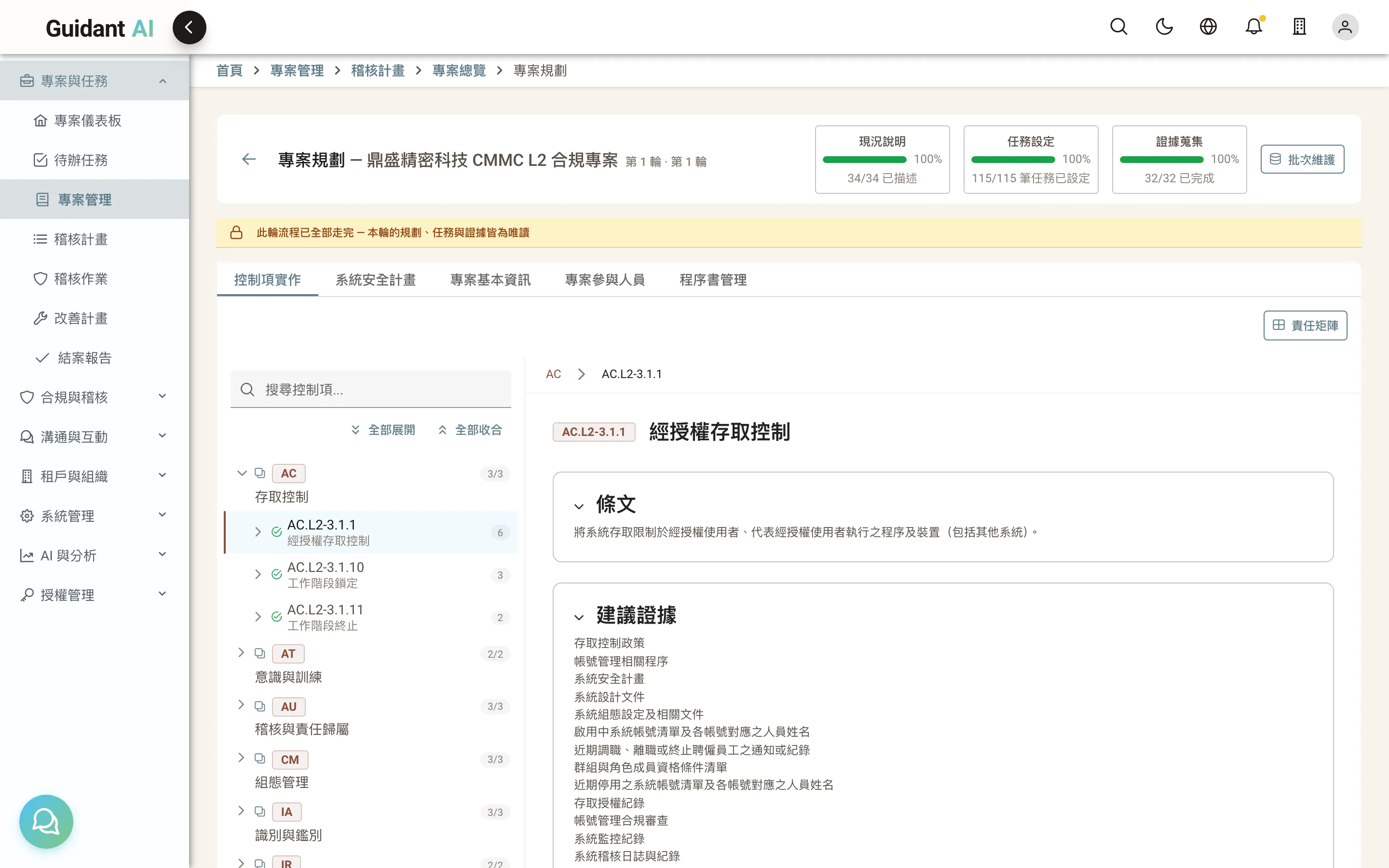
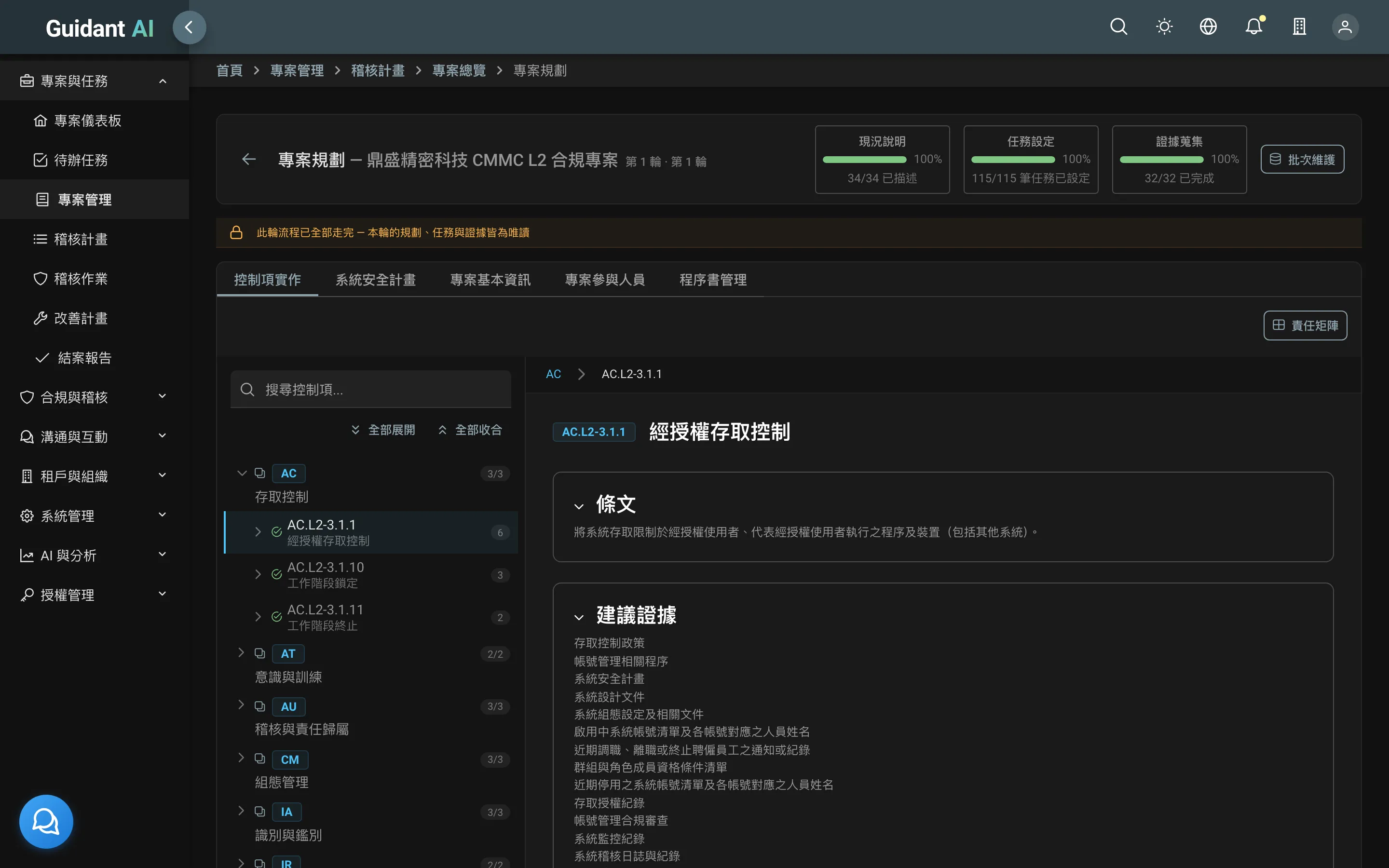
Controls tree on the left; on the right, this control's implementation status, narrative, responsible department, procedures, findings and recommendations. Consultant interview sheets import directly.
- Status: implemented / partially implemented / planned / not applicable — every one with a reason
- Excel and Word import/export; Word can use the consultant's own template
- Every import shows a diff first; nothing is overwritten until you confirm
04
Tasks, evidence and review gates
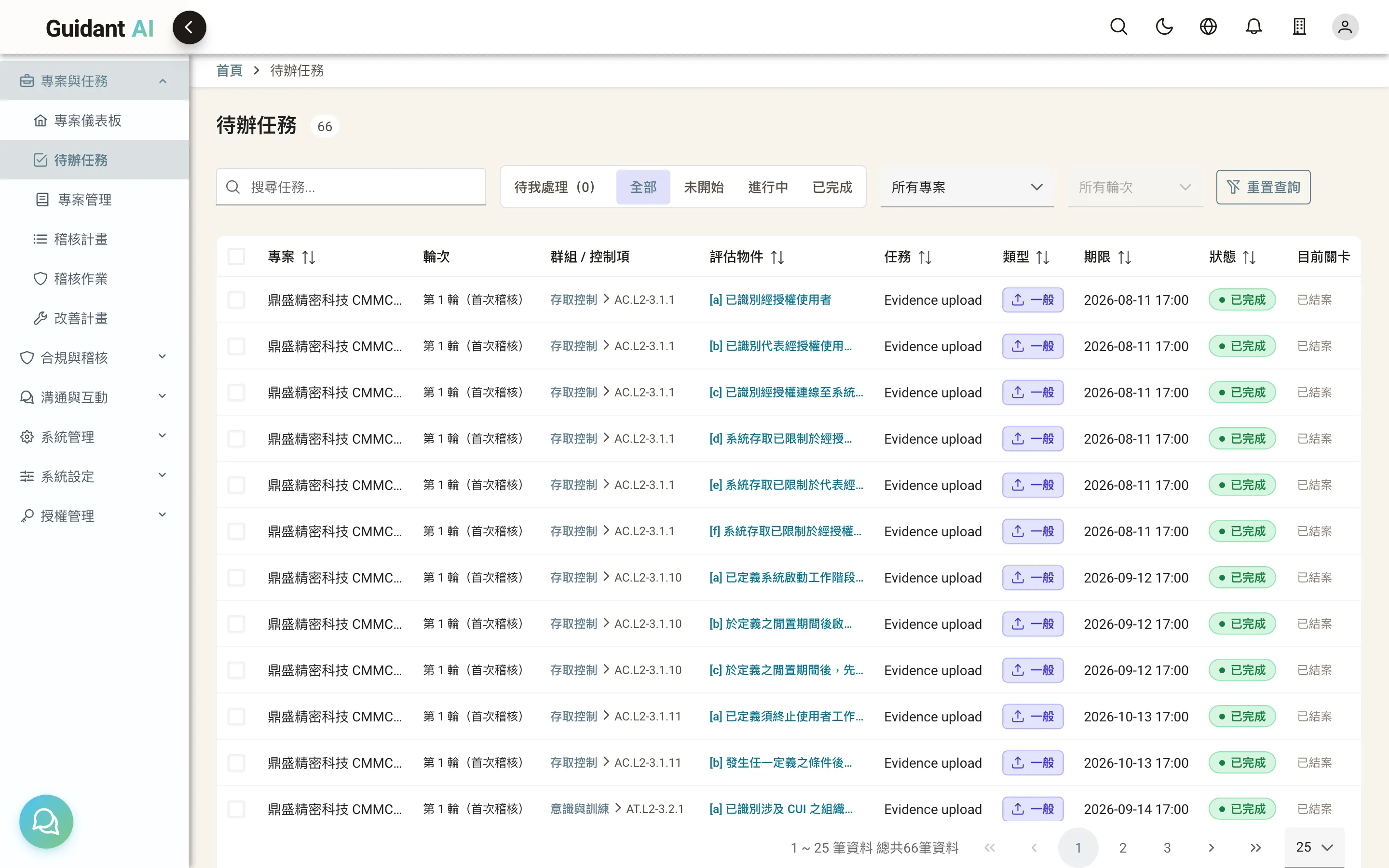
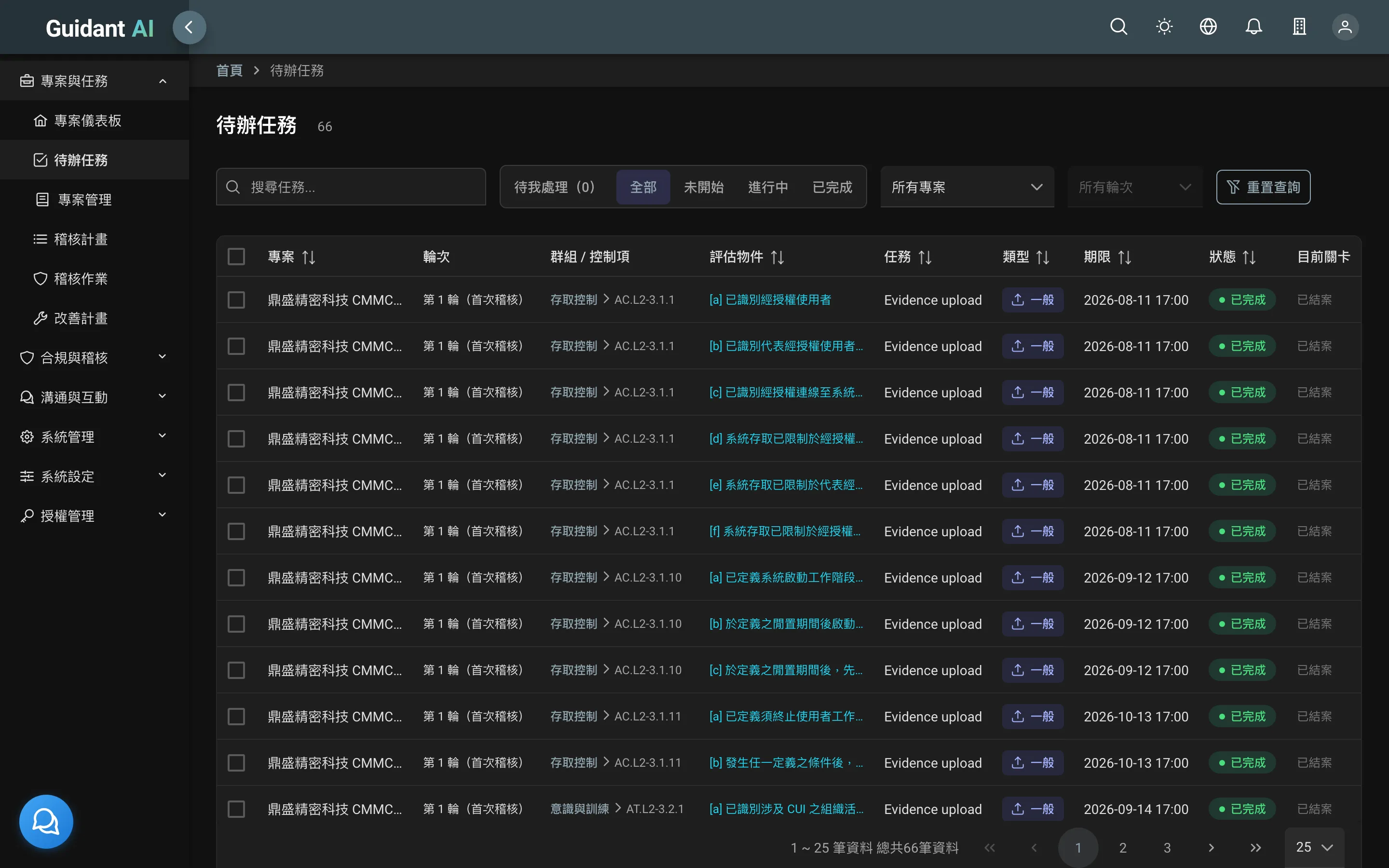
Every assessment objective has an owner, a due date and evidence
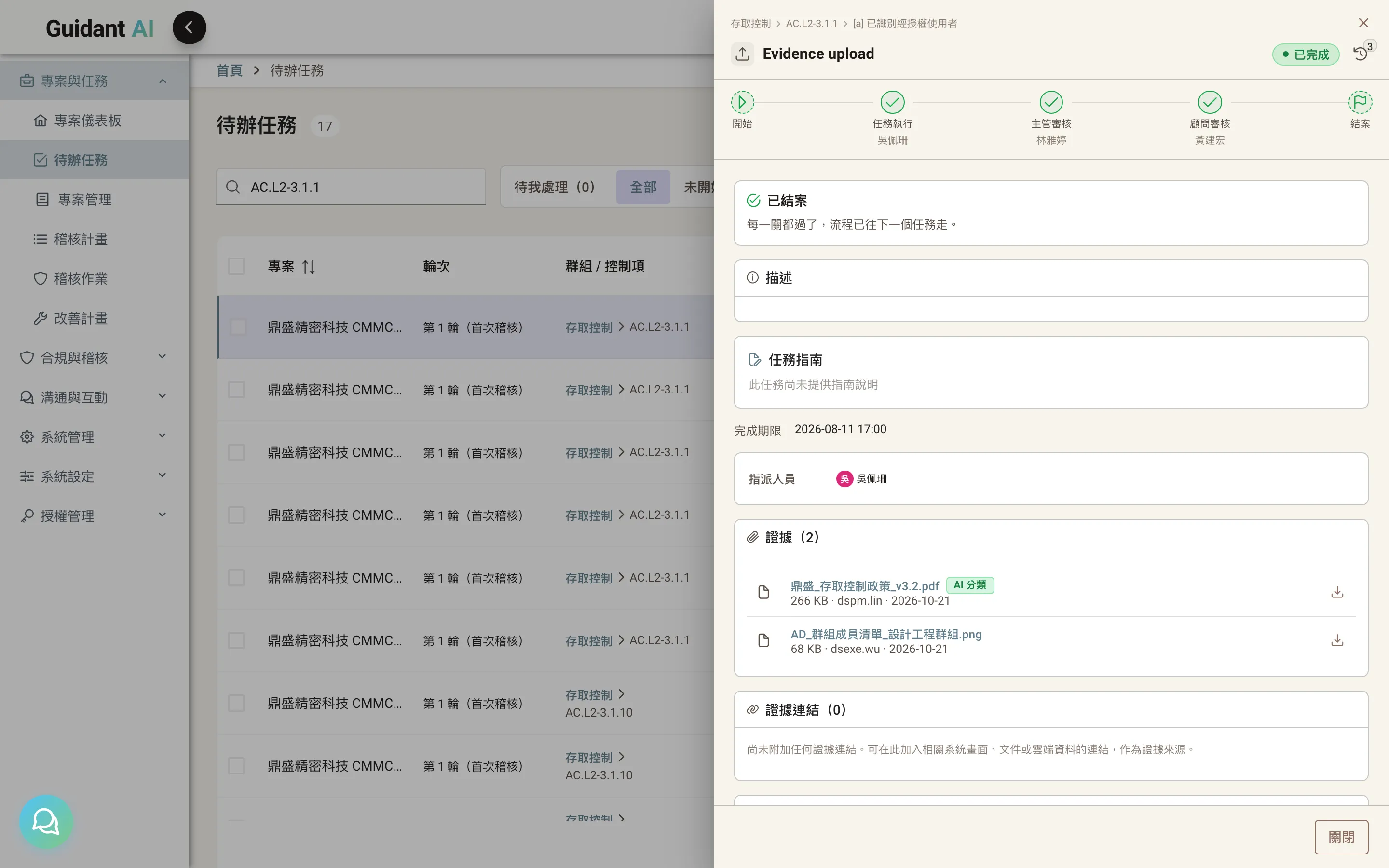
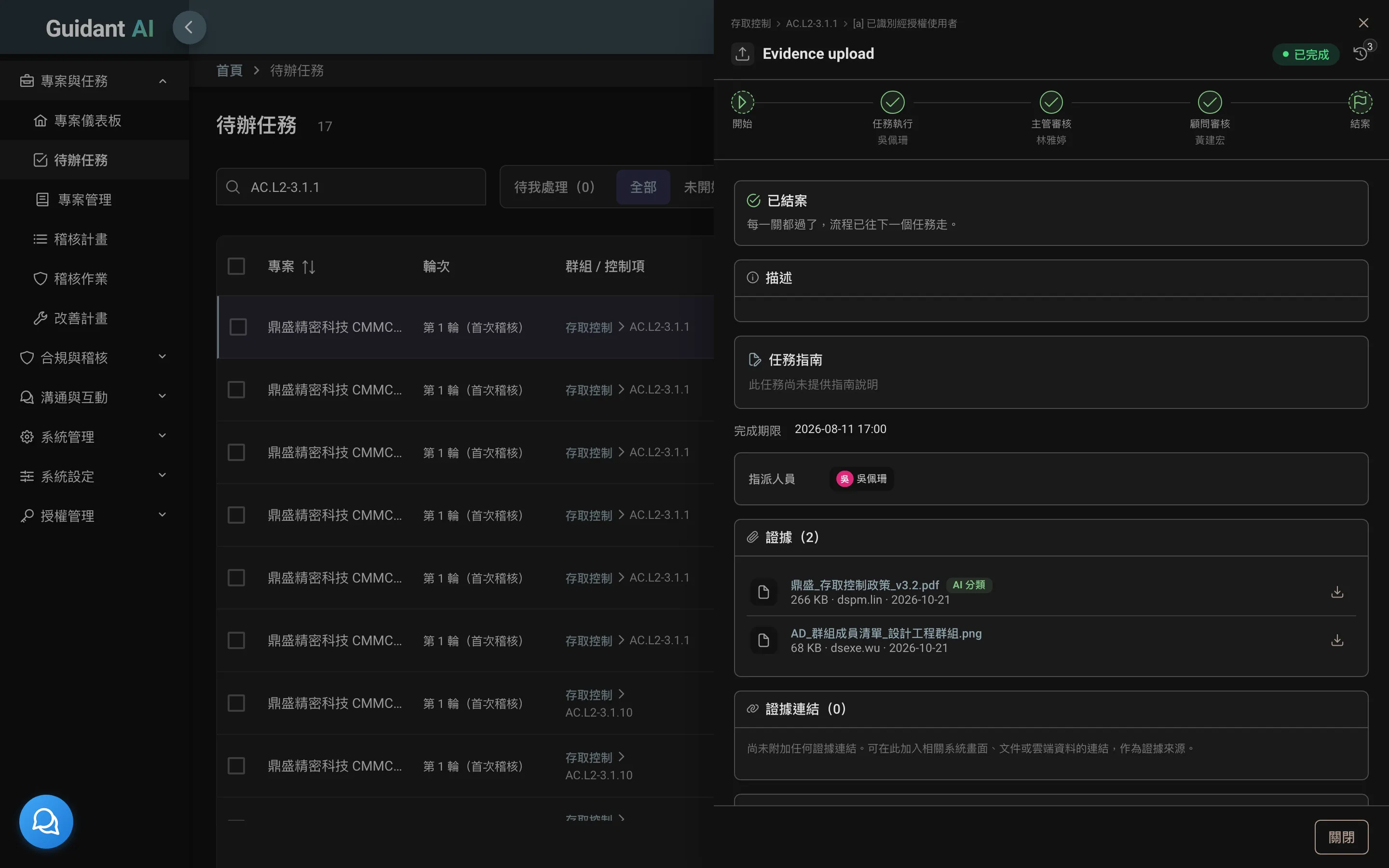
Objectives become tasks assigned to people with due dates. Doers upload evidence or fill in questionnaires; managers and consultants review gate by gate. Monthly and quarterly checks reopen automatically, with reminders before they're due.
- Task drawer: description, evidence, questionnaire, execution log and comments in one view
- Configurable review gates — how many, who's responsible; rejections carry a reason
- Evidence from local upload, cloud drive sync or automatic collection by the scanning agent
05
Audit work: plan, assess, remediate
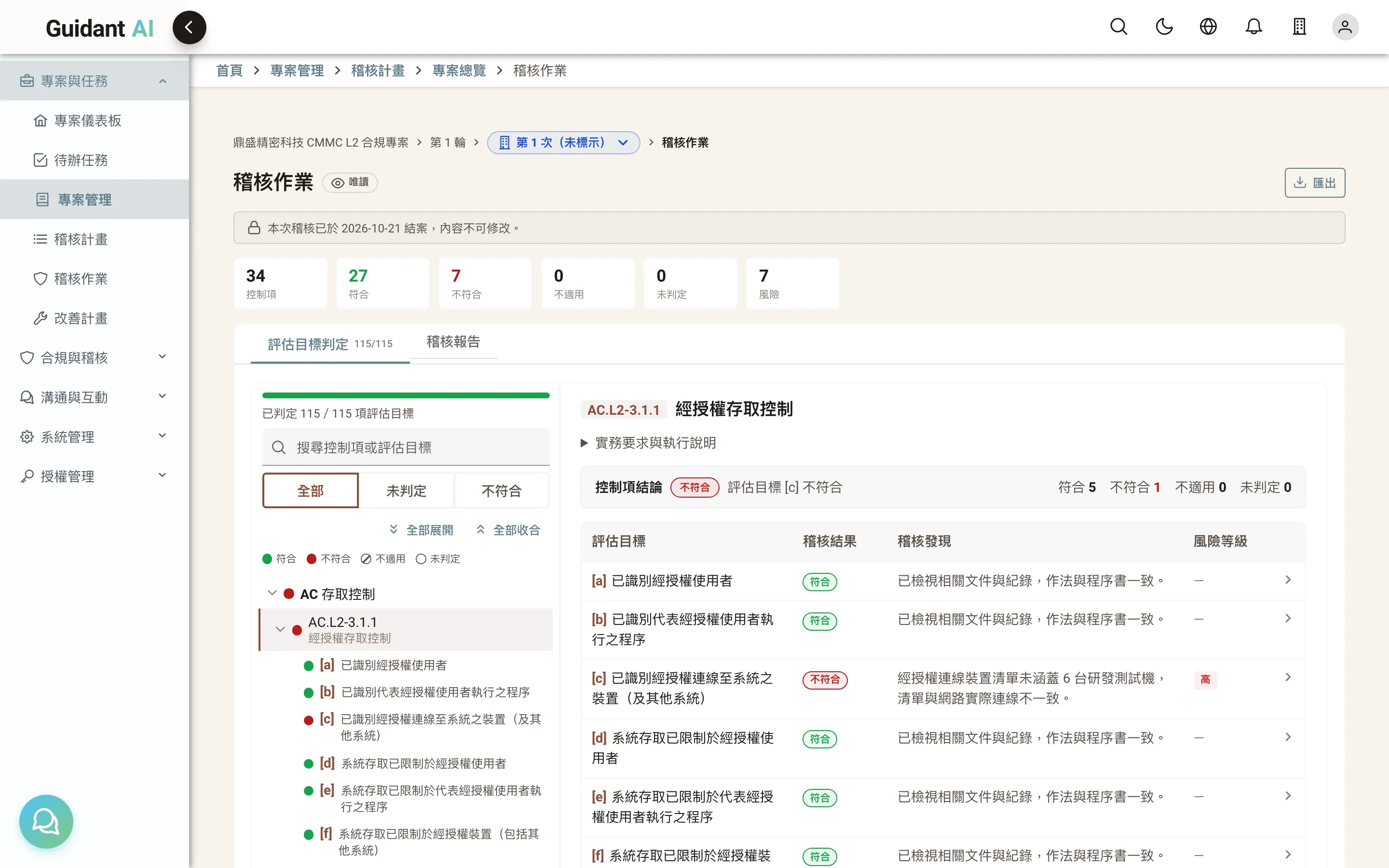
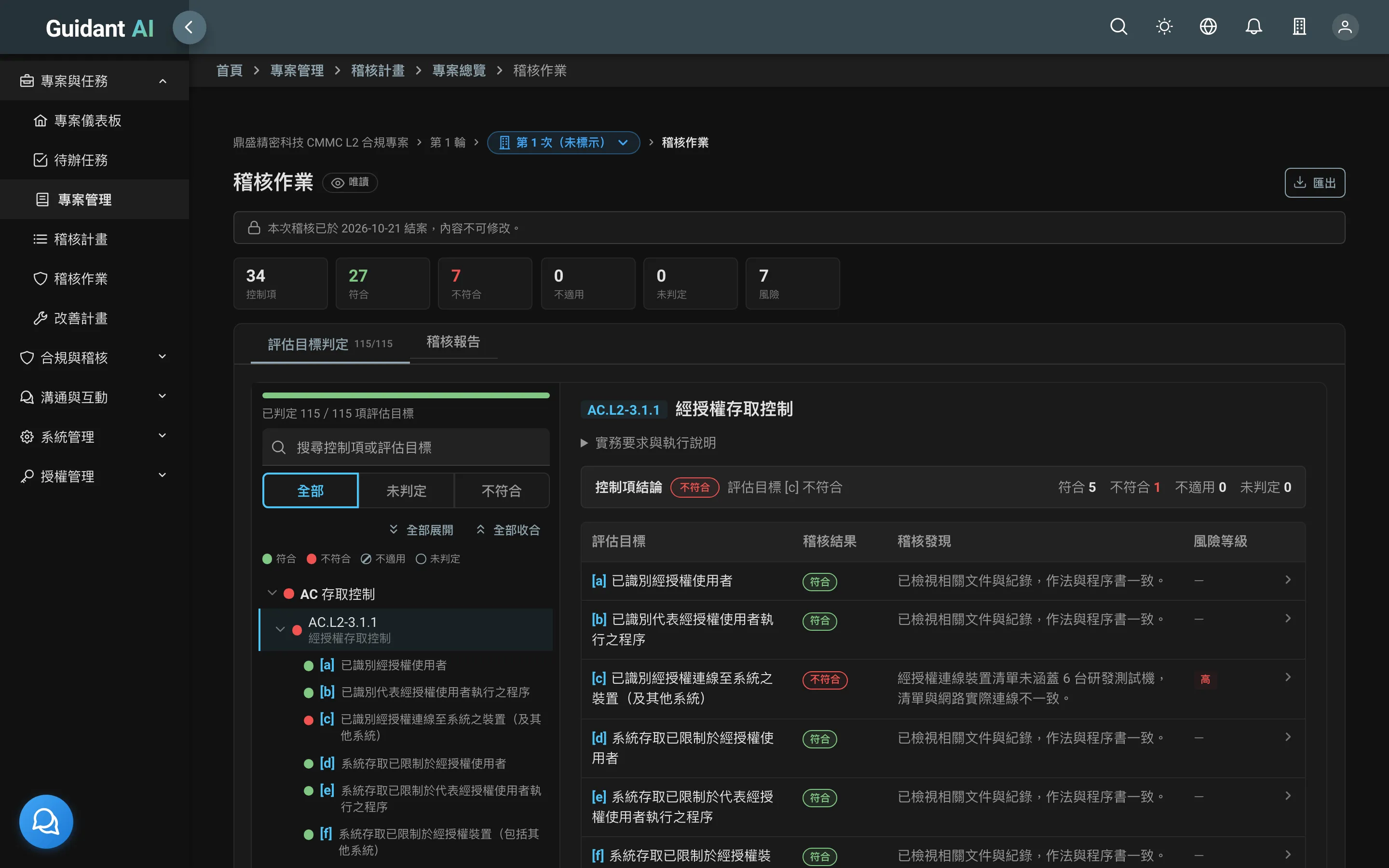
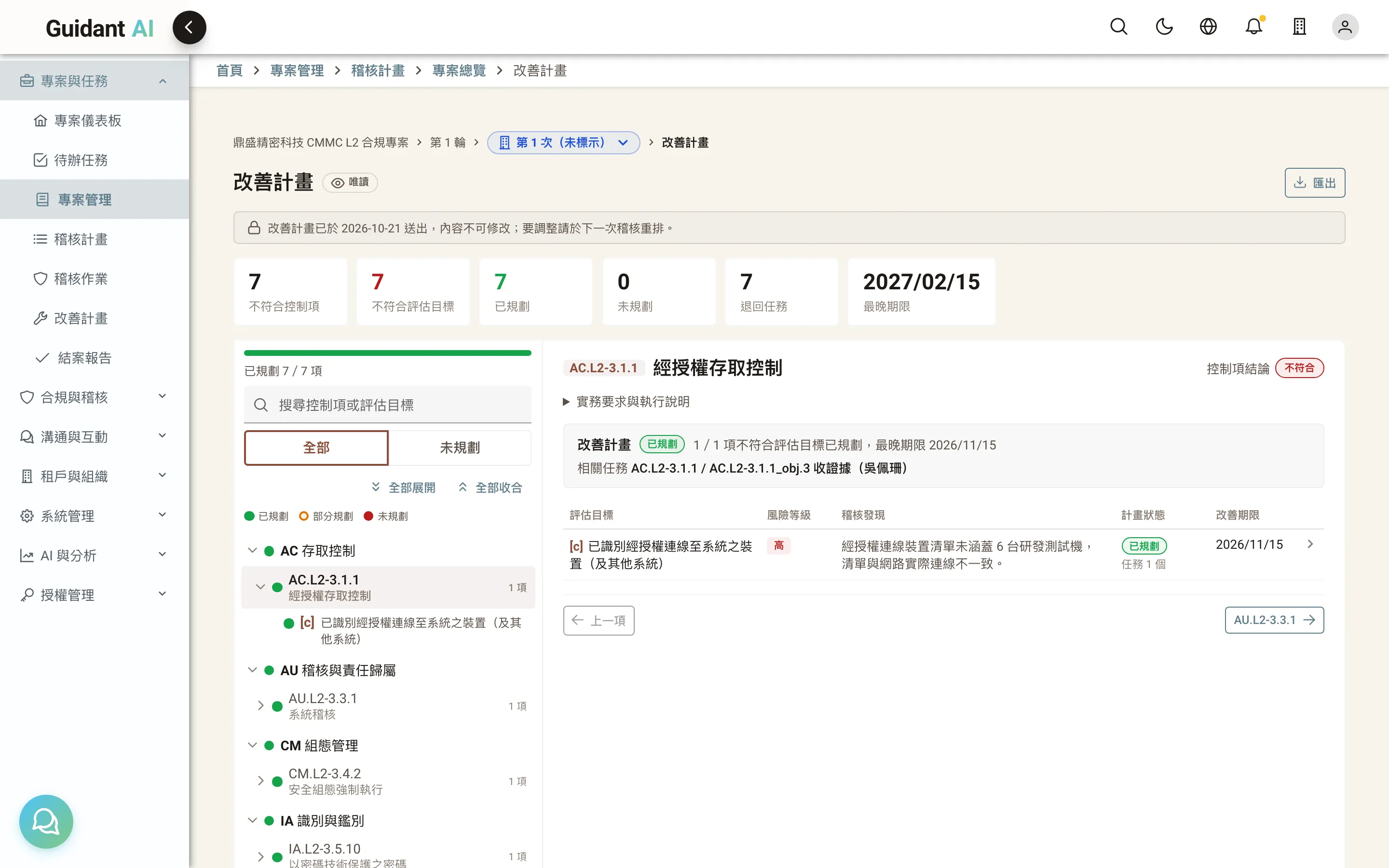
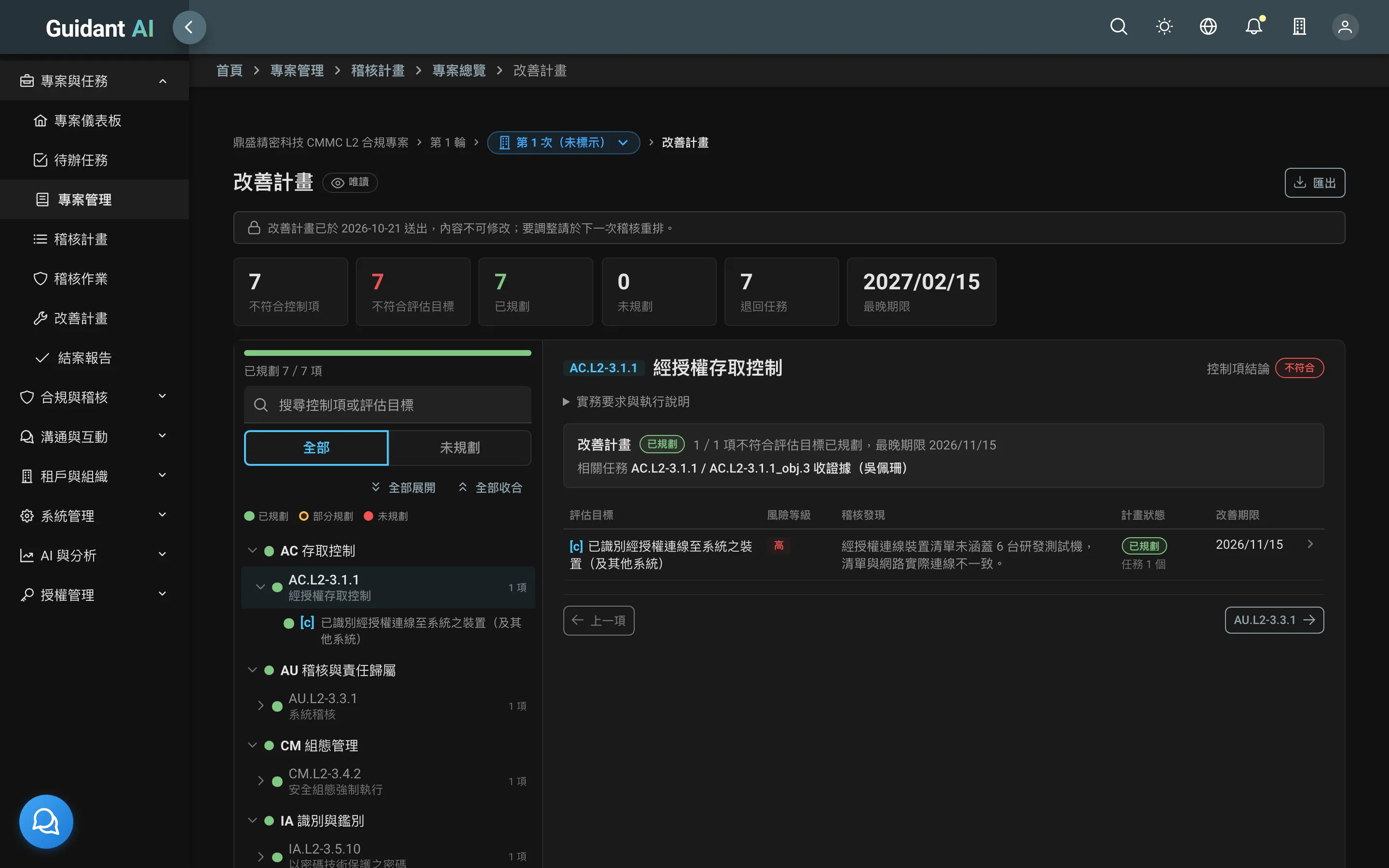
Auditors assess control by control; non-compliance becomes a remediation plan automatically
The audit plan records the method and subject for each objective. During the audit, each objective is marked compliant or non-compliant with findings and risk; non-compliant items flow into the remediation plan (POA&M) with due dates. A four-sheet Excel workbook can be taken on site and imported back.
- Assessment page: tree on the left, one card per objective — see evidence and record the verdict without switching pages
- Remediation plan: owner, due date, status, verification; closing requires evidence
- External auditors sign in with a restricted account and see only what they should
06
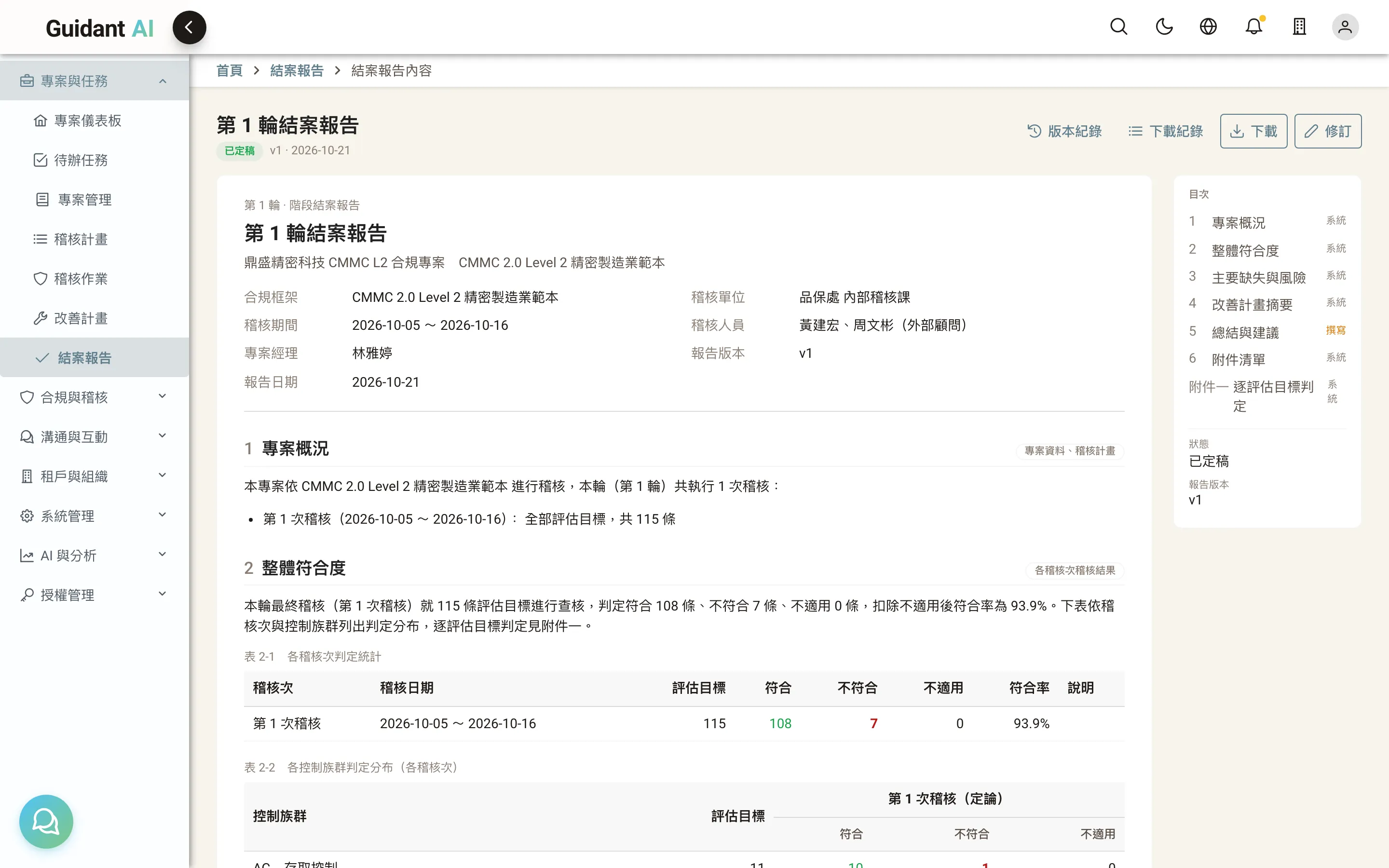
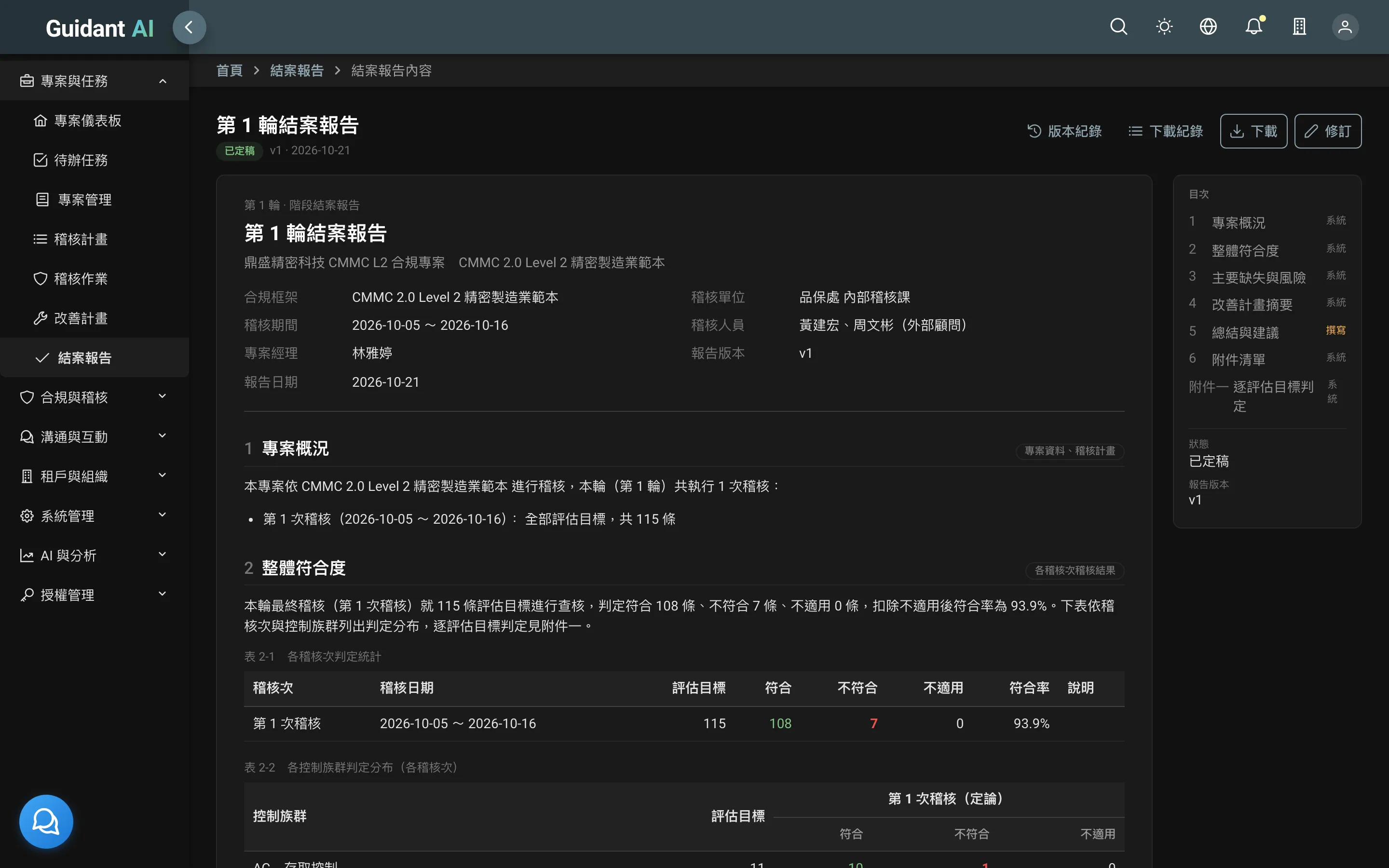
Closing report
A formal report generated at the end of every cycle
Six chapters plus appendices: project overview, scope, result statistics, findings and remediation, accountability summary, conclusion and recommendations. Only the conclusion is written by hand; the rest comes from system data. Download as Word or PDF; the report package zip includes frozen evidence and cross-reference tables.